How to Turn a Short Story Into an Animated Short Drama With AI
From a one-line request to a one-minute animated drama: how the story is planned, drawn as a storyboard, filmed clip by clip and joined into one video, shown with a real example.
AI video models make clips of five to fifteen seconds. A story needs a minute or more, the same characters in every scene, and cuts that join up. This guide shows how to get from one request to a finished animated short drama, using a real example: Maupassant’s “The Necklace”, made as a one-minute drama in a classic hand-painted animation style.
The request was a single sentence:
Why you cannot just ask for a one-minute video
Ask a video model for a whole story and you get one short clip that tries to cram it in. Ask for five clips one after another and you get five different-looking heroines: each clip is generated on its own, and the model reinvents the face, the hair and the dress every time.
The fix is the one film-makers have always used: plan the story, draw it as a storyboard, and shoot from the storyboard. The agent works exactly that way.
Step 1: a few questions, then a plan
The agent first asked four things: how long the drama should be, the resolution, the aspect ratio, and the language the characters speak. Each had a recommendation, and its options explained the trade-off: about 45 seconds tells the bare plot; about 75 seconds leaves room for the ball, the loss, ten years of toil and the twist.
Then it sent the whole plan for approval, before drawing anything:
- The cast, described once and fixed for every prompt: Mathilde (young, then ten years older), her husband Loisel, her rich friend Madame Forestier, and the necklace itself.
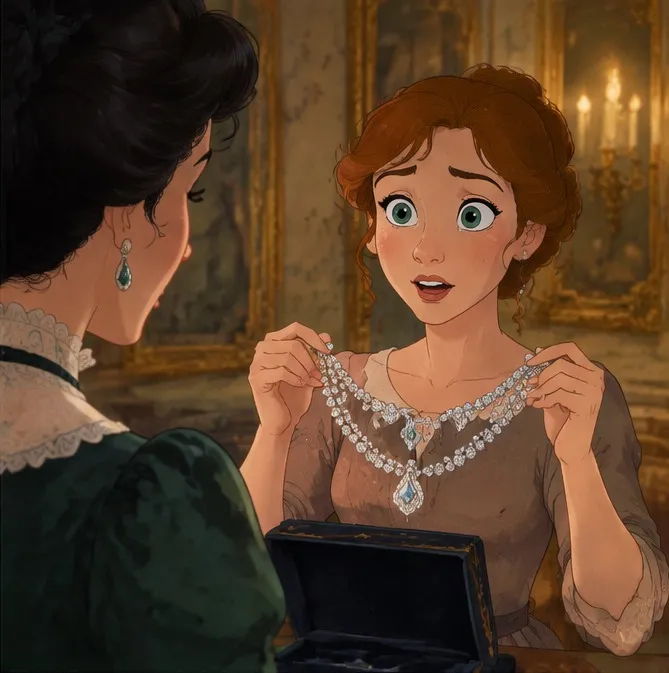
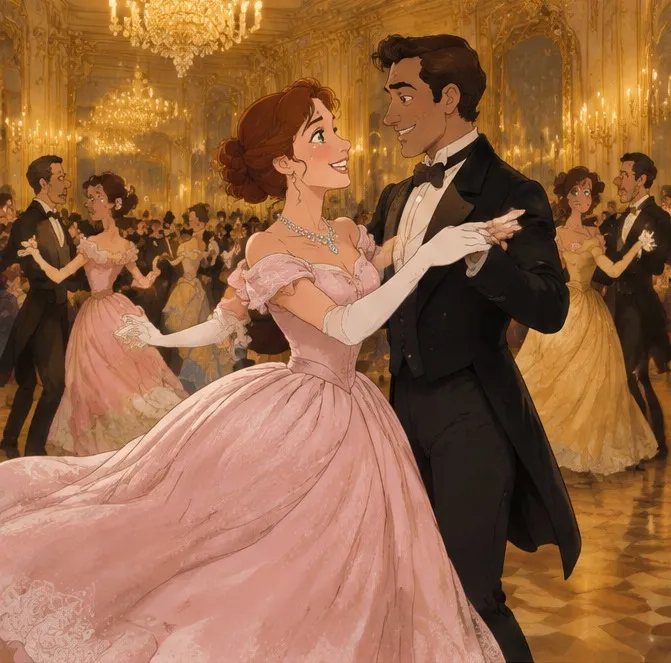
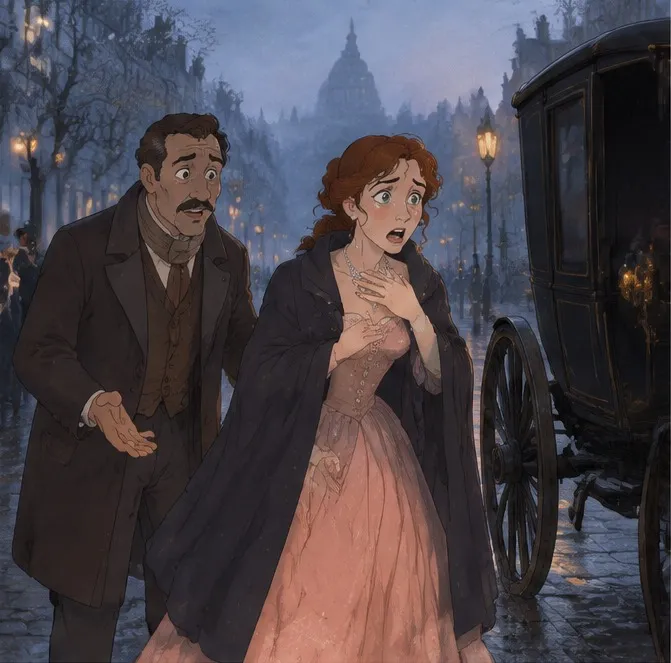
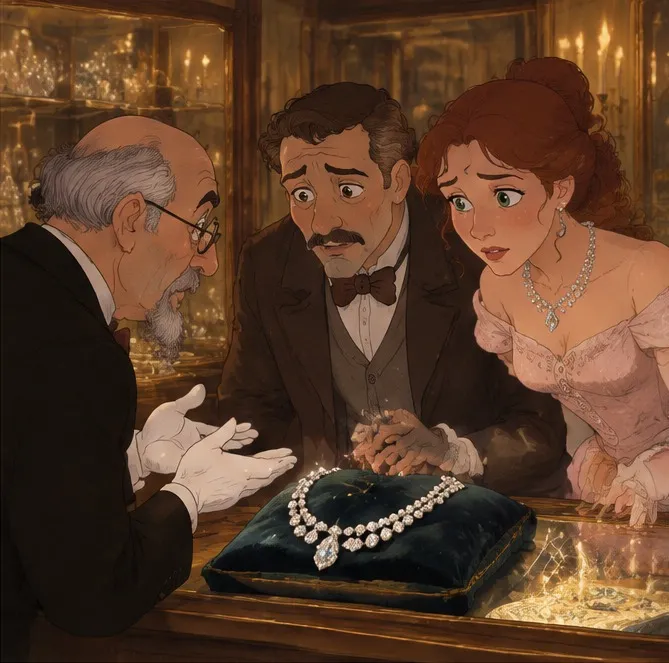
- Nine key frames, one line each: the invitation, nothing to wear, the jewel box, the ball, the loss at dawn, the jeweller’s, ten years of scrubbing floors, the meeting in the park, and the twist.
- Five clips, and which key frames each one is filmed from.
Step 2: the storyboard
Once the plan was approved, the agent drew the storyboard: one sheet, nine panels, painted as a single picture. Drawing all nine at once is what keeps the characters consistent: the same hand draws Mathilde at the window, at the ball and on her knees ten years later.
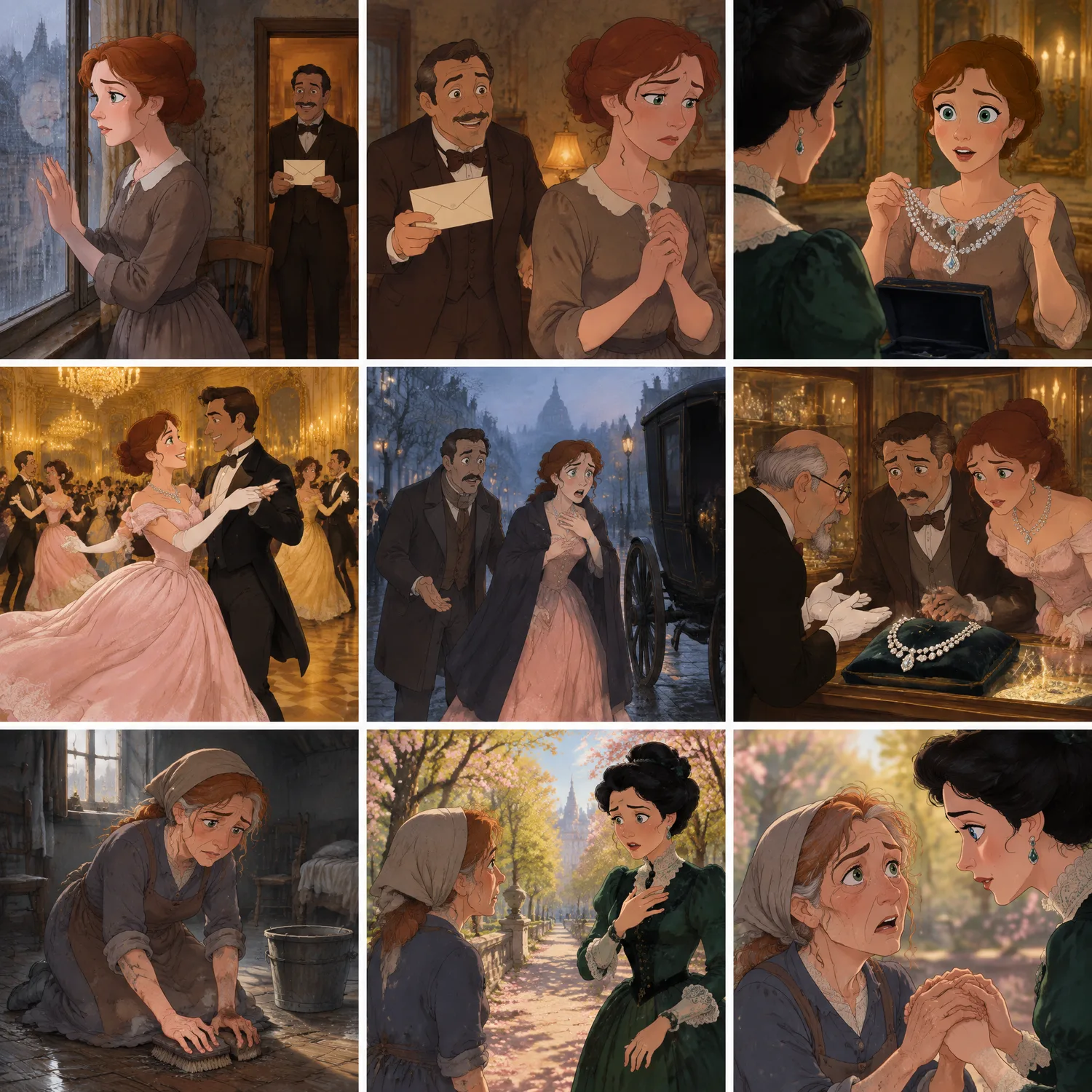
The sheet is then cut into its nine panels automatically, each saved as its own image. Those panels are what the video model will see.
Step 3: filming each clip from its panels
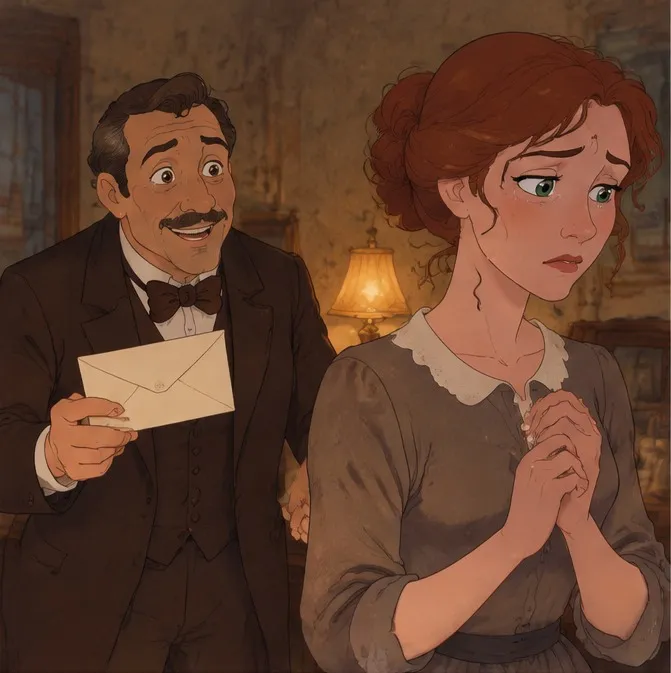
Each clip is generated from two neighbouring panels: it opens on the first panel’s composition and must arrive at the second one’s by its last shot. That is why the clips cut together: the end of one clip and the start of the next are the same drawing.
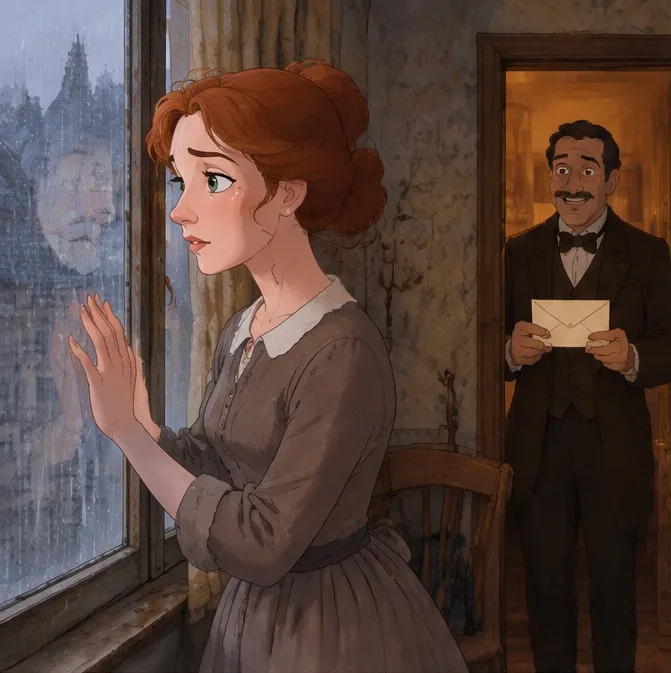
Clip 1
Clip 2
Clip 3
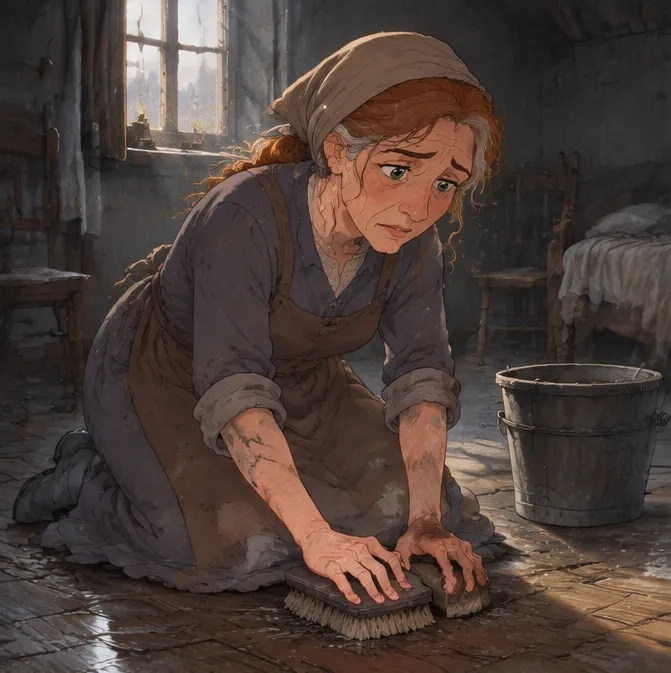
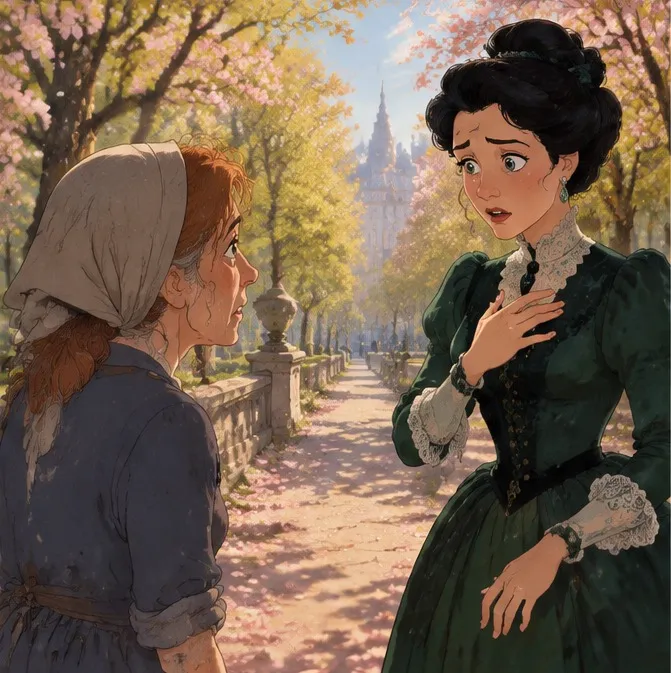
Clip 4
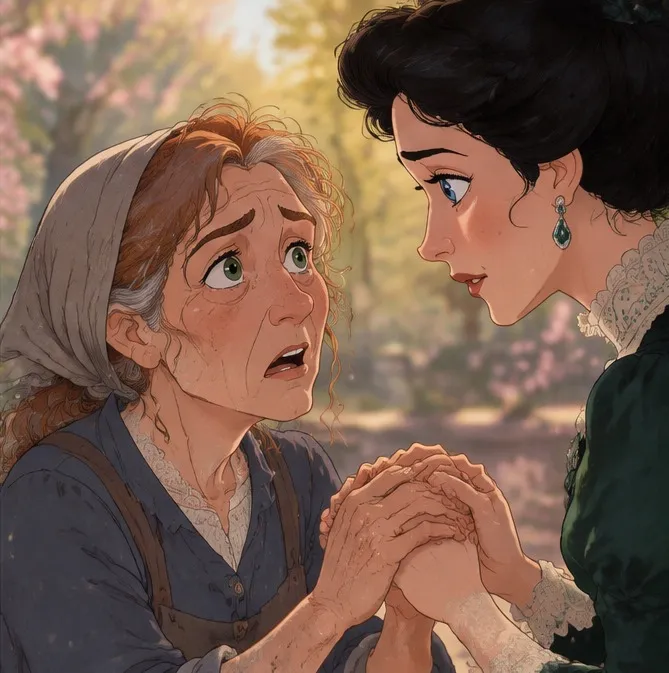
Clip 5
For every clip the agent writes a shot-by-shot prompt: the camera, what each character does, the lines they say in the voice they say them, the sound and the music. Here is part of the first one:
Shot 2: Medium shot, fixed camera. Loisel holds out the envelope, beaming, and in a warm, cheerful male voice says {Look, my dear! An invitation to the Minister’s ball!} Mathilde turns away, eyes reddening, hands clenched at her faded dress, and in a trembling young woman’s voice says {What have I to wear? I have nothing!}
Each clip comes to you as a card before it is made: the panels it uses, its length, aspect ratio and resolution, and the full prompt. Approve it, or press “Change something” and say what: a different line, a slower camera, a different mood.
Approved clips render in the background and take a few minutes each. You do not have to wait in the chat: the Tasks tab shows each clip’s progress, and finished clips appear in the Files tab. If a clip fails, it is refunded automatically.
Step 4: watch it as one film, then download one file
The agent keeps a playlist of the clips in story order. While it exists, the preview offers “Play long video”: the clips play back to back, with the next one already loaded so the cut does not wait. When every clip is ready, “Join into one MP4” stitches them together in your browser and downloads a single video.
If one clip comes out wrong (a stiff movement, a garbled line), ask the agent to redo that clip with a revised prompt. The others stay as they are.
Choosing a story that works
- A clear turn. Stories with a twist or a reversal, like “The Necklace”, land in a minute. A slow mood piece needs more time than a short can give it.
- A small cast. Two or three main characters are easy to keep consistent; ten are not.
- Few locations. Every new place is a new set the storyboard has to establish.
- Your own rights. Classic stories in the public domain, fables, myths and your own writing are safe to adapt. Do not adapt a book or film you do not have the rights to.
Styles and formats
Name the look in your request (hand-painted animation, anime, watercolour, film noir, 3D cartoon) and it carries through the storyboard into every clip. Choose 16:9 for YouTube or 9:16 for a vertical drama series on TikTok and Reels. Dialogue can be in the language your audience speaks.
Keeping characters identical across scenes is the hardest part of AI video. The next post goes deeper into how it is done, and how to describe a character so it holds.