 AI Video Studio · faceless videos made in a chat
 Describe a video.
An AI agent makes it.
Say the idea in one sentence. The agent writes the script, records the voice, makes the pictures and builds every scene.
Free to try · No credit card

Watch the agent make a real video
A real session, replayed. Every question, step and picture is what the agent actually did. Only the waiting is cut out.
See more videos the agent made in Motion Videos →How the dinosaurs went extinct
AI Video Studio · Done
I'll make this as a Motion Graphics explainer: designed scenes, narration, exact facts, editable afterwards. Proposed outline:
1. Hook: 66 million years ago
2. The asteroid hits (Chicxulub, ~10 km wide, Mexico)
3. Immediate effects: fire, tsunamis, shockwave
4. Dust blocks the sun, food chains collapse
5. Volcanoes (Deccan Traps) added stress
6. Who survived: small mammals, birds — living dinosaurs
7. Closing takeaway
Which look?
Format and length?
Voiceover?
Pictures?
Answered
Narration (7 parts, voice: Andrew)
1. Sixty-six million years ago, dinosaurs ruled the Earth. Then, in a single day, their world began to end.
2. An asteroid about ten kilometers wide slammed into what is now Mexico. It struck at tens of times the speed of a bullet.
3. The blast set off giant tsunamis, huge wildfires, and a shockwave that swept across the planet.
4. But the worst was yet to come. Dust and soot filled the sky and blocked the sun for months, maybe years.
5. Plants stopped growing. Plant eaters starved, and then the hunters that fed on them. Around three quarters of all species died.
6. Massive volcanic eruptions in India may have already been straining the planet's climate.
7. Yet some survived: small mammals, crocodiles, and a few feathered dinosaurs, the ancestors of today's birds. So dinosaurs never fully vanished. They are still singing outside your window.
Record this narration?
Answered
I made the dinosaur extinction video: 16:9, Cinematic style, about 66 seconds, narrated by Andrew. Seven scenes:
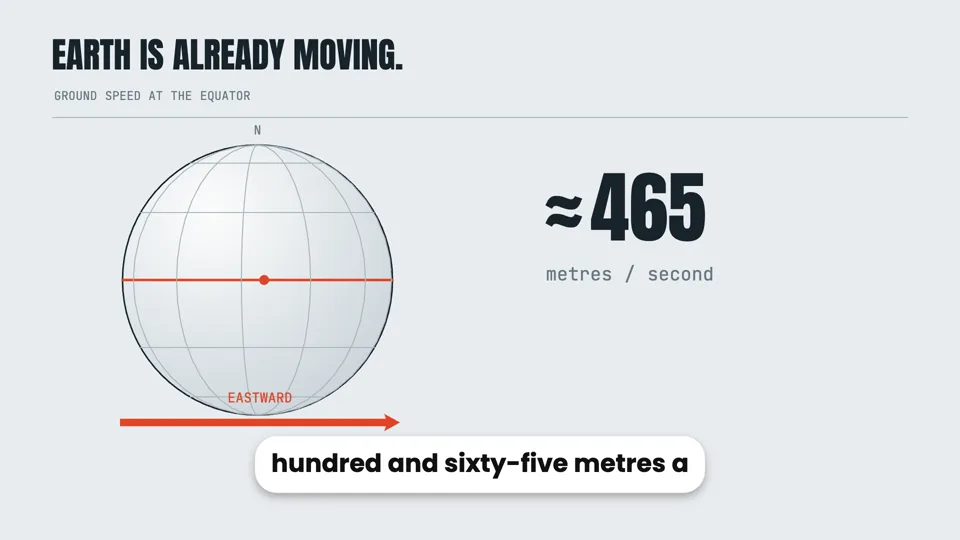
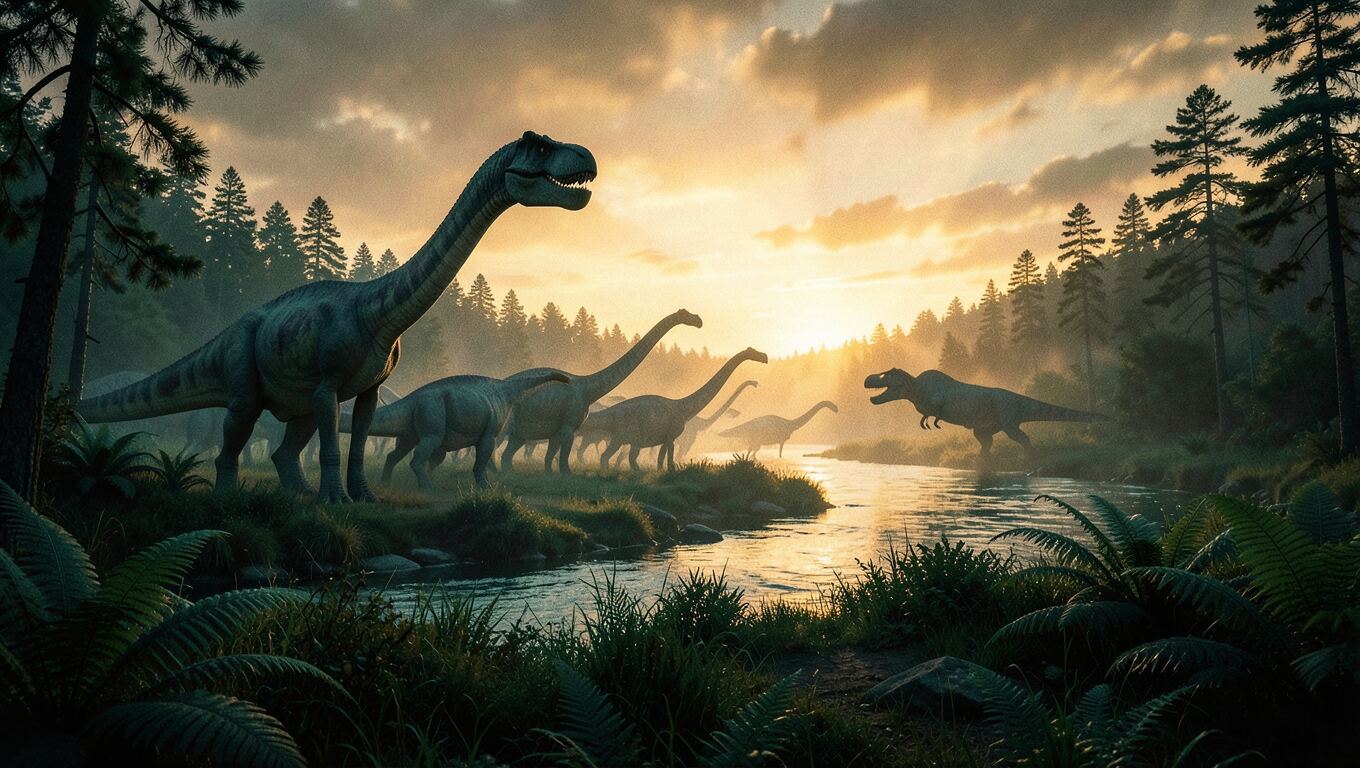
1. A sunset with dinosaurs and a counter that runs up to 66,000,000 years.
2. The asteroid hitting Earth.
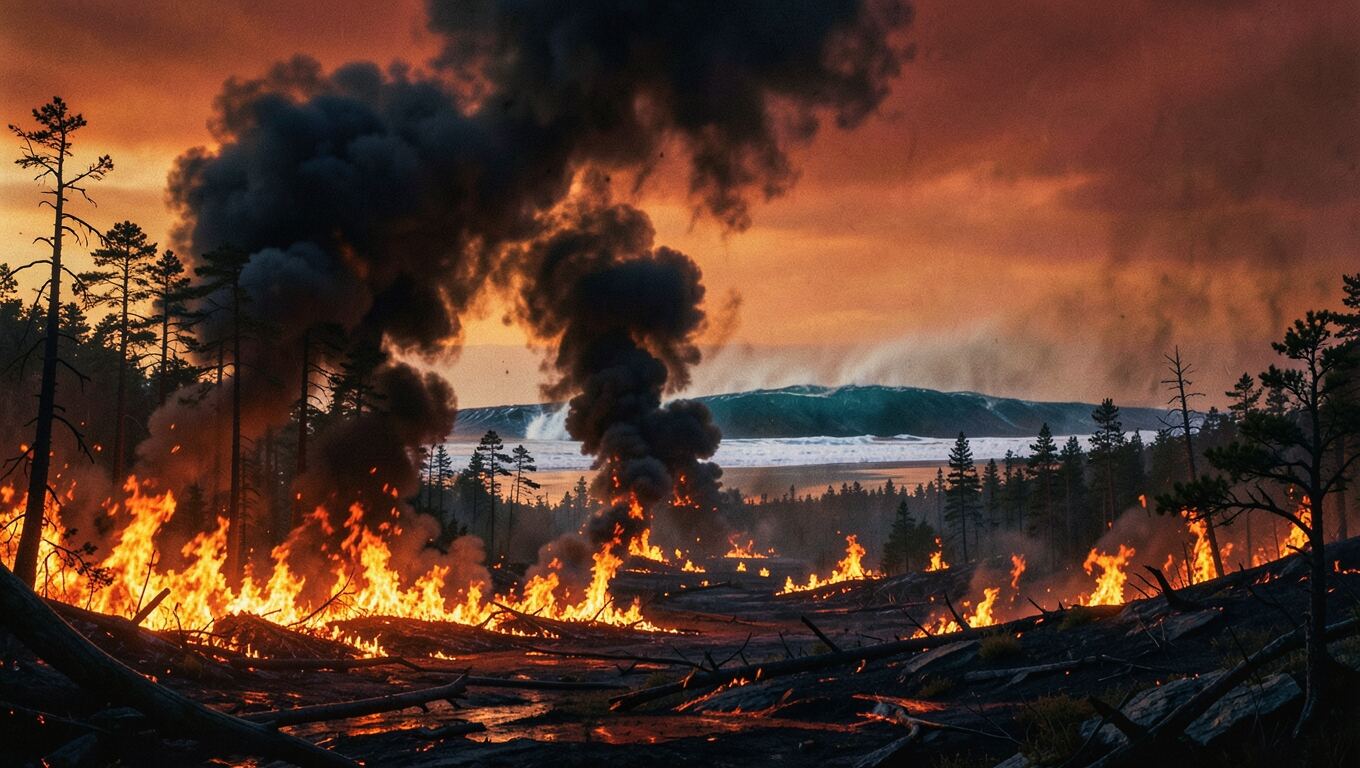
3. Tsunamis, wildfires and the shockwave.
4. Impact winter, as the sky darkens.
5. The food chain collapsing — "≈75% of species died".
6. The Deccan volcanoes in India.
7. The survivors, ending on "still singing outside your window".
The graphics are drawn in code. Each graphic lands on the word that names it, with subtitles and sound effects. Press play in the preview.
Here are the images I could add — all 16:9 and wide, with no text, laid out in the scenes as framed pictures, not plain backdrops.
Which images should I generate?
You decide: the agent used its recommendations
You let me decide, so I'll use the recommended four: opening, impact, firestorm and survivors.
The four images look good, so I am placing them in the scenes now.
I added the four AI images:
- Opening: the dusk landscape is now a full-frame backdrop that slowly pushes in.
- Impact: the asteroid strike slides in on the word "slammed", framed on the right while the text stays left.
- Firestorm: a wide strip drifting above the tsunami, wildfire and shockwave cards.
- Survivors: the shrew and the bird are the dawn backdrop behind the survivor cards.
I reworked the opening so the first frame is no longer a bare sky:
- Frame 0: the dusk dinosaur picture fills the screen from the first frame, starting slightly zoomed in and slowly pulling back.
- Title: "HOW THE DINOSAURS DIED" is there in amber from the very first frame, coming into focus while the "66,000,000 years ago" counter runs up beneath it.
The build check caught the title wrapping onto two lines and running into the counter, so it is a little smaller now and stays on one line.
What it made
How the dinosaurs went extinctRendered live in your browser from the program the agent wrote, the same preview you get in the studio. Press play.
Two modes, one chat
Pick the kind of video. Or let the agent pick.
Designed motion graphics or narrated slides. The agent suggests the one that fits your idea.
Narrated explainers, designed scene by scene
The agent writes the video as code: every title, number, chart and picture placed and animated in time with the narration. Because it is built rather than generated, the facts stay exact and anything can be changed later.
- Text, numbers, charts, maps and 3D scenes, animated to the voice
- AI images or your own uploads, laid out inside the scenes
- Narration in 9 languages, subtitles that follow every word, music and sound effects
- 16:9, 9:16 or 1:1, previewed live and exported as MP4 in your browser
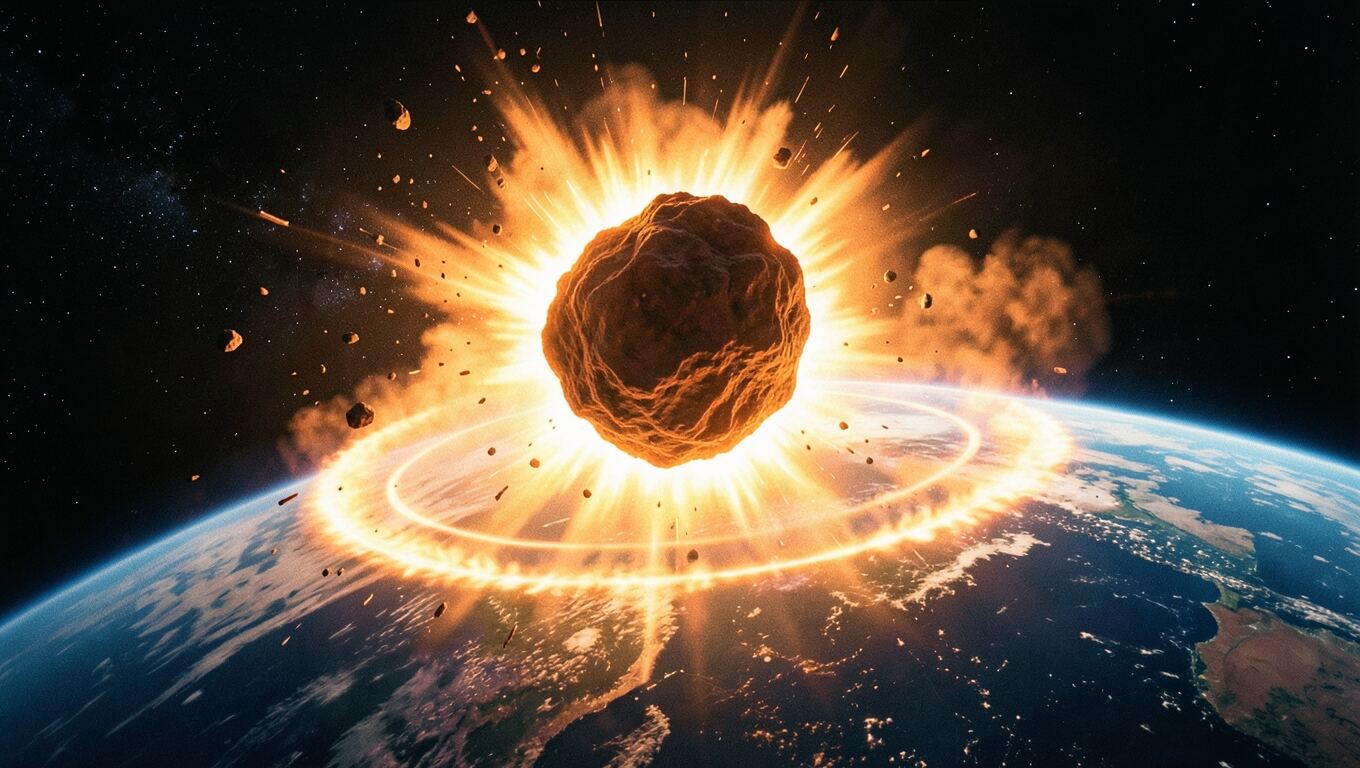
66,000,000 years ago
An asteroid about ten kilometers wide
Narrated slides, built around AI pictures
One idea per slide: the agent plans the slides with you, makes a picture for each, writes the narration slide by slide and animates every slide as it is explained.
- An AI image for each slide, or your own photos
- Titles, captions and highlights that move with the voice
- The slide plan and the narration shown to you before anything is made
- Previewed live and exported as MP4 in your browser

Change anything by asking
There is no timeline to edit. Say what you want different and the agent changes its own work, and it checks that work as it goes.
- Ask about a frame
- Capture any moment in the preview and send it with your message: “make this title bigger”.
- It catches its own mistakes
- Every version the agent writes is checked for text that is cut off, overlapping or gone too fast to read, and the agent fixes what it finds.
- Nothing spent without a yes
- Voiceovers wait for your approved script, images for your picks. Anything that fails is refunded.
Everything between the idea and the upload
No editing app, no stock photo site, no separate voiceover tool.
Script
Written to be spoken, shown to you before anything is recorded.
Voices in 9 languages
Dozens of natural voices; the agent suggests a few that fit.
Subtitles
Timed to every word, with an on/off switch.
Music and sound effects
Ambient beds and effects mixed under the narration.
AI images
Planned with you first: how many, of what, before any is drawn.
Your own files
Attach photos to a message or upload images, audio and documents.
Files you can open
Every script, voiceover and image is kept in the conversation.
Made for people with ideas, not editing time
You never appear on camera, and you never open an editor.
Faceless YouTube channels
History, science, money, true stories: a narrated explainer for every idea, in widescreen or vertical.
Courses and lessons
Turn a lesson or a talk into narrated slides, one idea and one picture at a time.
Shorts, TikTok and Reels
Vertical explainers while the topic is still trending.
Common questions
Still have questions?
[email protected]
What is AI Video Studio? +
Do I need any video editing skills? +
What kinds of video can I make? +
Can I change the video after it is made? +
Is anything spent before I agree to it? +
Can I use the videos commercially? +
What languages are supported? +
Which browser do I need? +
Your next video is one sentence away.
Tell the agent what you want to make. It will ask about the rest.
Make My First Video