
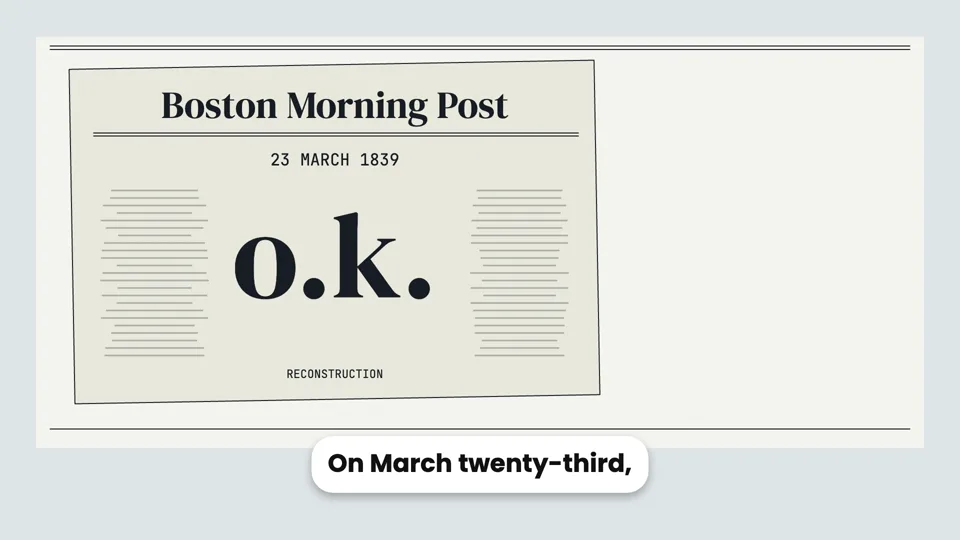
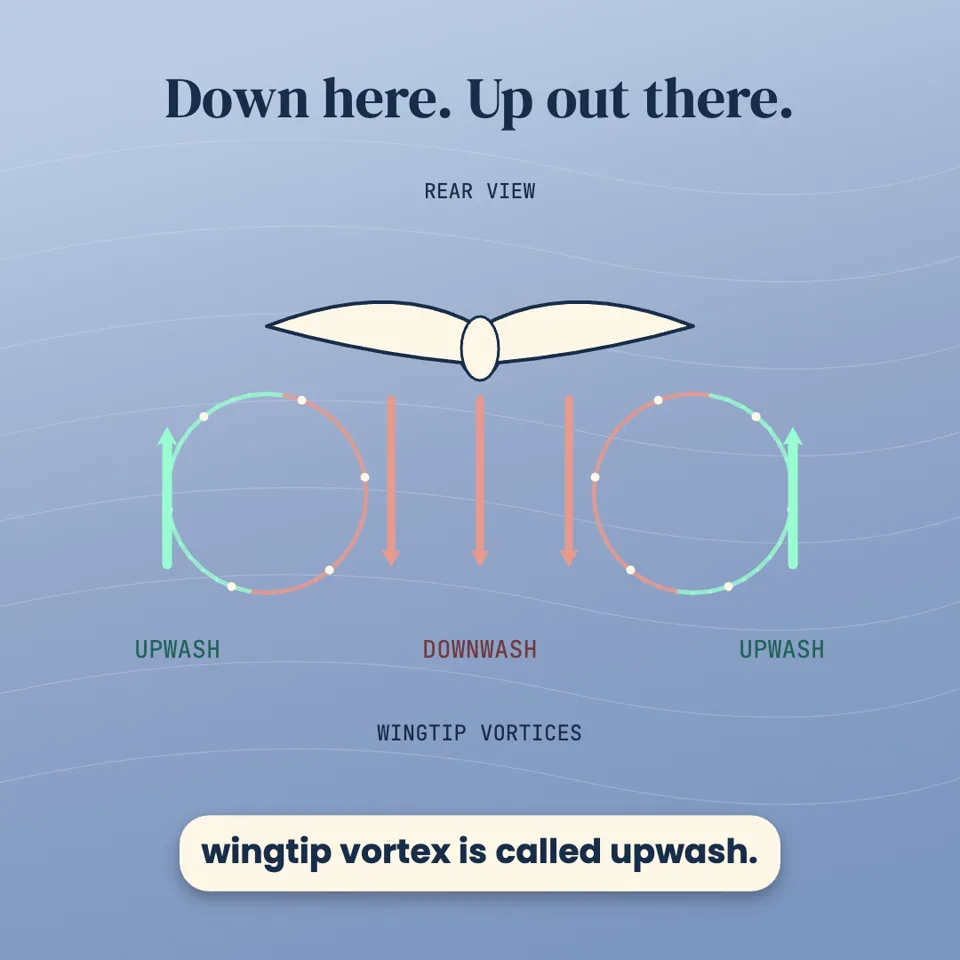
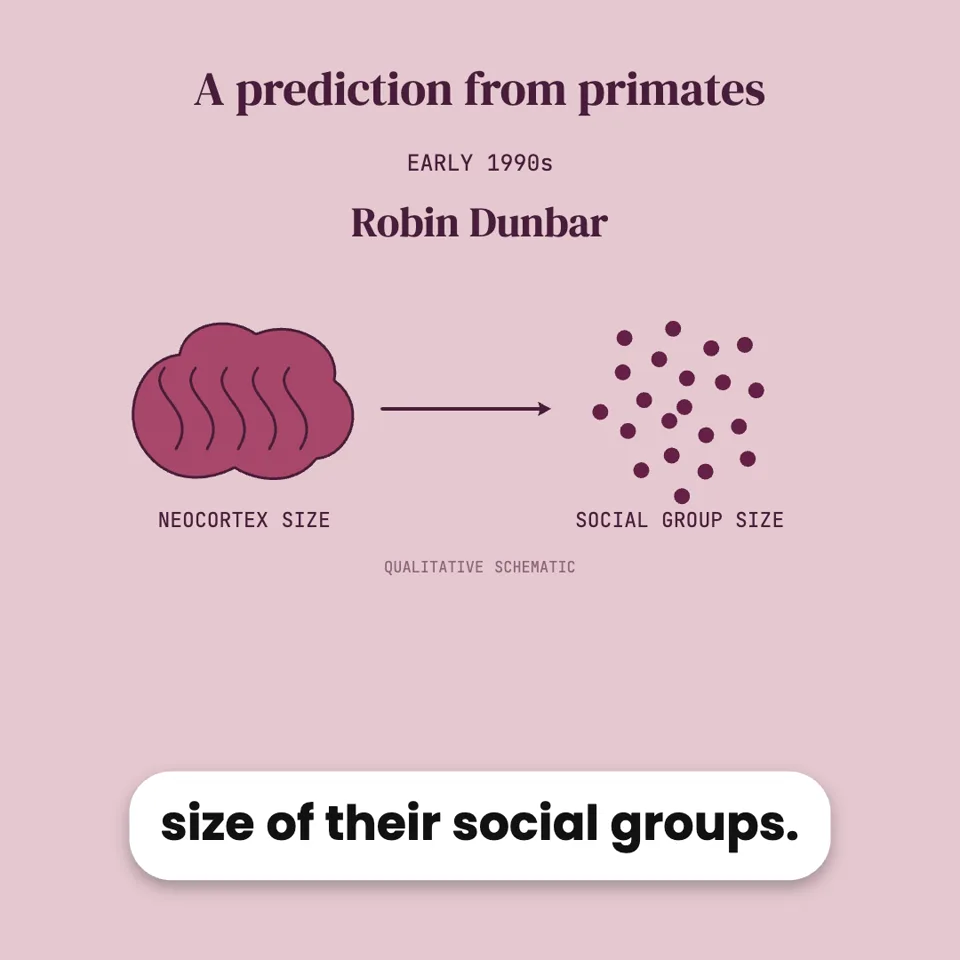
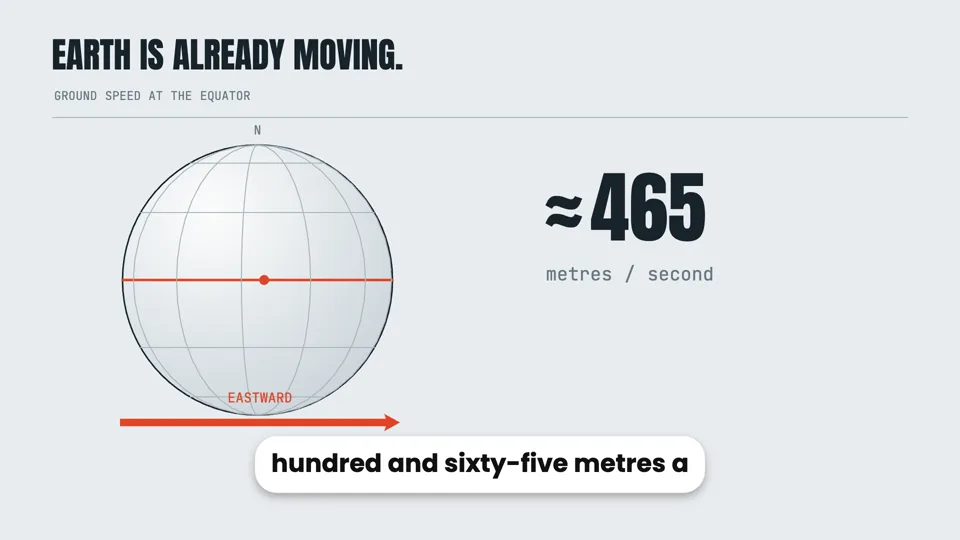

エージェントが実際に動画を作る様子を見る
実際のセッションを再生。質問も、手順も、画像も、エージェントが実際に行ったものです。待ち時間だけをカットしています。
モーション動画で、エージェントが作った動画をもっと見る →How the dinosaurs went extinct
AIビデオスタジオ · 完了
I'll make this as a Motion Graphics explainer: designed scenes, narration, exact facts, editable afterwards. Proposed outline:
1. Hook: 66 million years ago
2. The asteroid hits (Chicxulub, ~10 km wide, Mexico)
3. Immediate effects: fire, tsunamis, shockwave
4. Dust blocks the sun, food chains collapse
5. Volcanoes (Deccan Traps) added stress
6. Who survived: small mammals, birds — living dinosaurs
7. Closing takeaway
Which look?
Format and length?
Voiceover?
Pictures?
回答済み
Narration (7 parts, voice: Andrew)
1. Sixty-six million years ago, dinosaurs ruled the Earth. Then, in a single day, their world began to end.
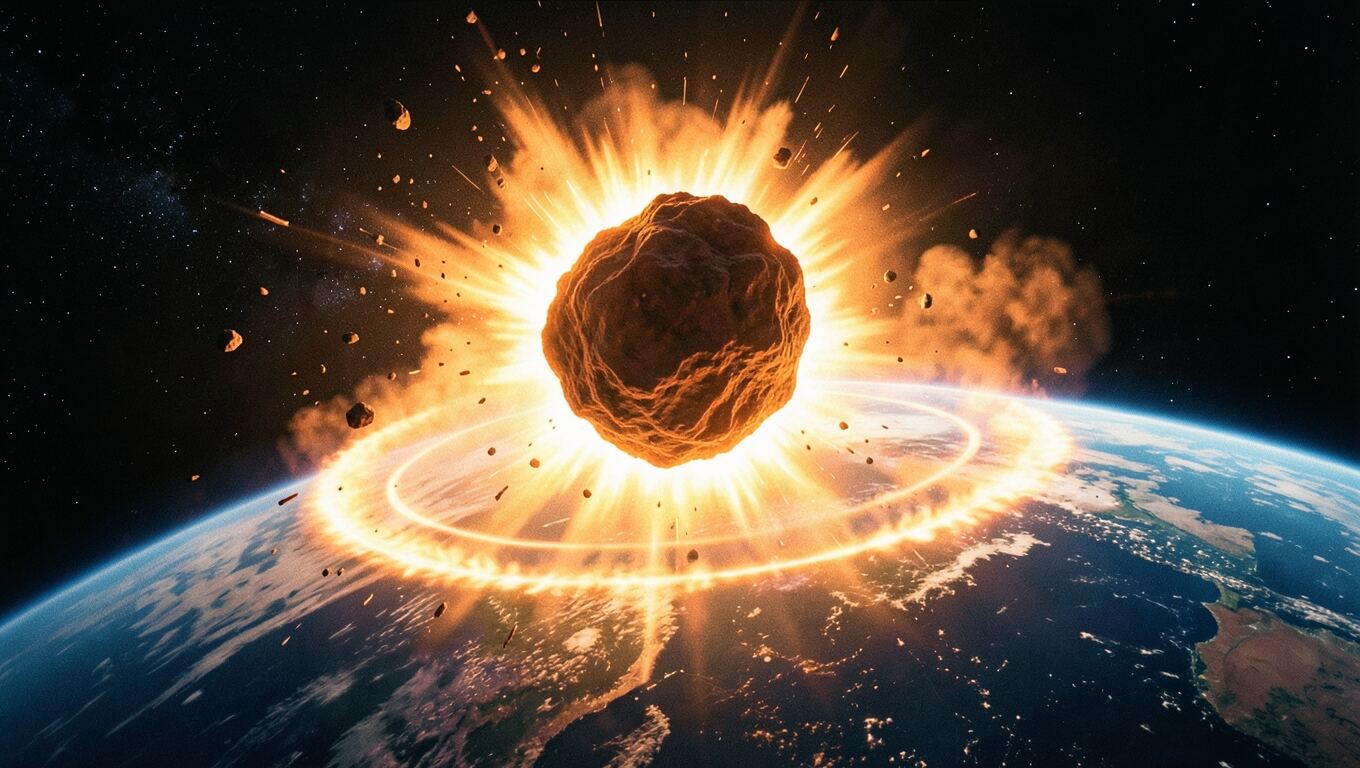
2. An asteroid about ten kilometers wide slammed into what is now Mexico. It struck at tens of times the speed of a bullet.
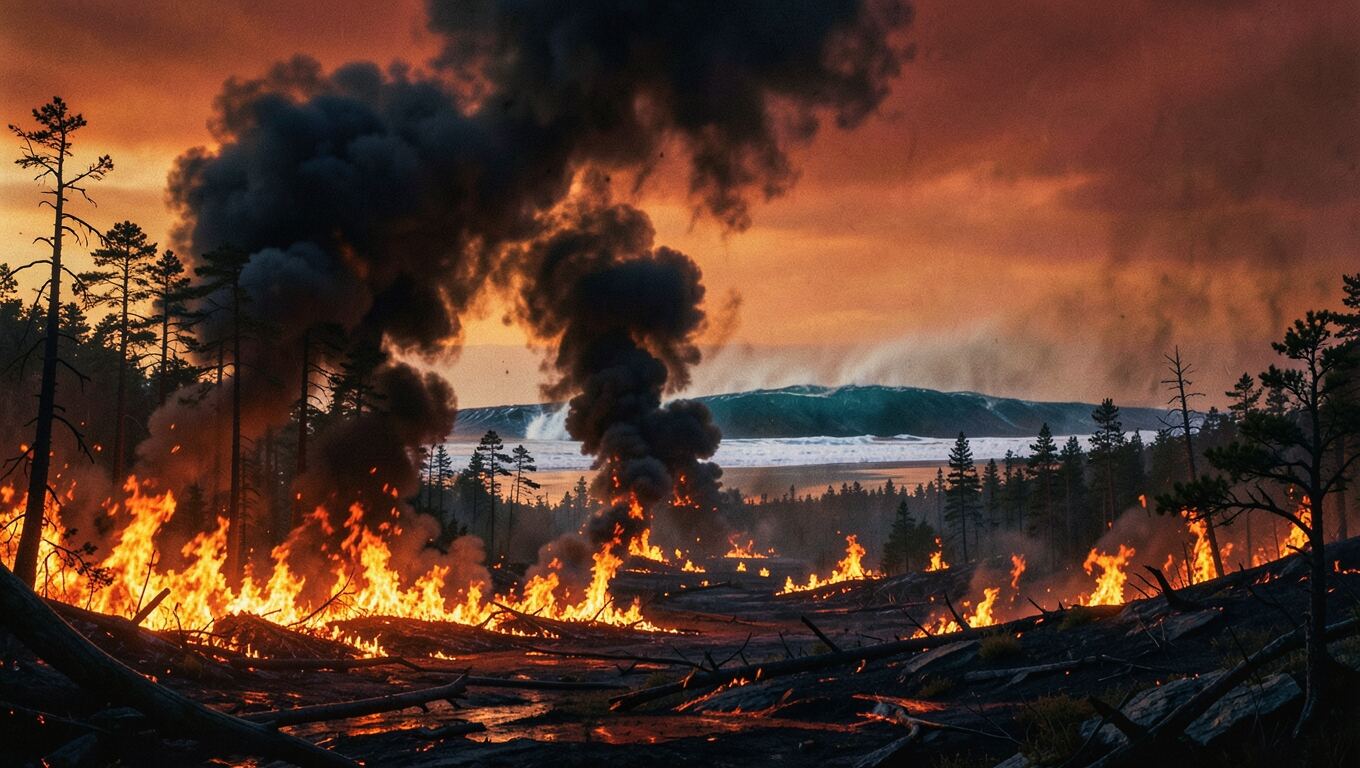
3. The blast set off giant tsunamis, huge wildfires, and a shockwave that swept across the planet.
4. But the worst was yet to come. Dust and soot filled the sky and blocked the sun for months, maybe years.
5. Plants stopped growing. Plant eaters starved, and then the hunters that fed on them. Around three quarters of all species died.
6. Massive volcanic eruptions in India may have already been straining the planet's climate.
7. Yet some survived: small mammals, crocodiles, and a few feathered dinosaurs, the ancestors of today's birds. So dinosaurs never fully vanished. They are still singing outside your window.
Record this narration?
回答済み
I made the dinosaur extinction video: 16:9, Cinematic style, about 66 seconds, narrated by Andrew. Seven scenes:
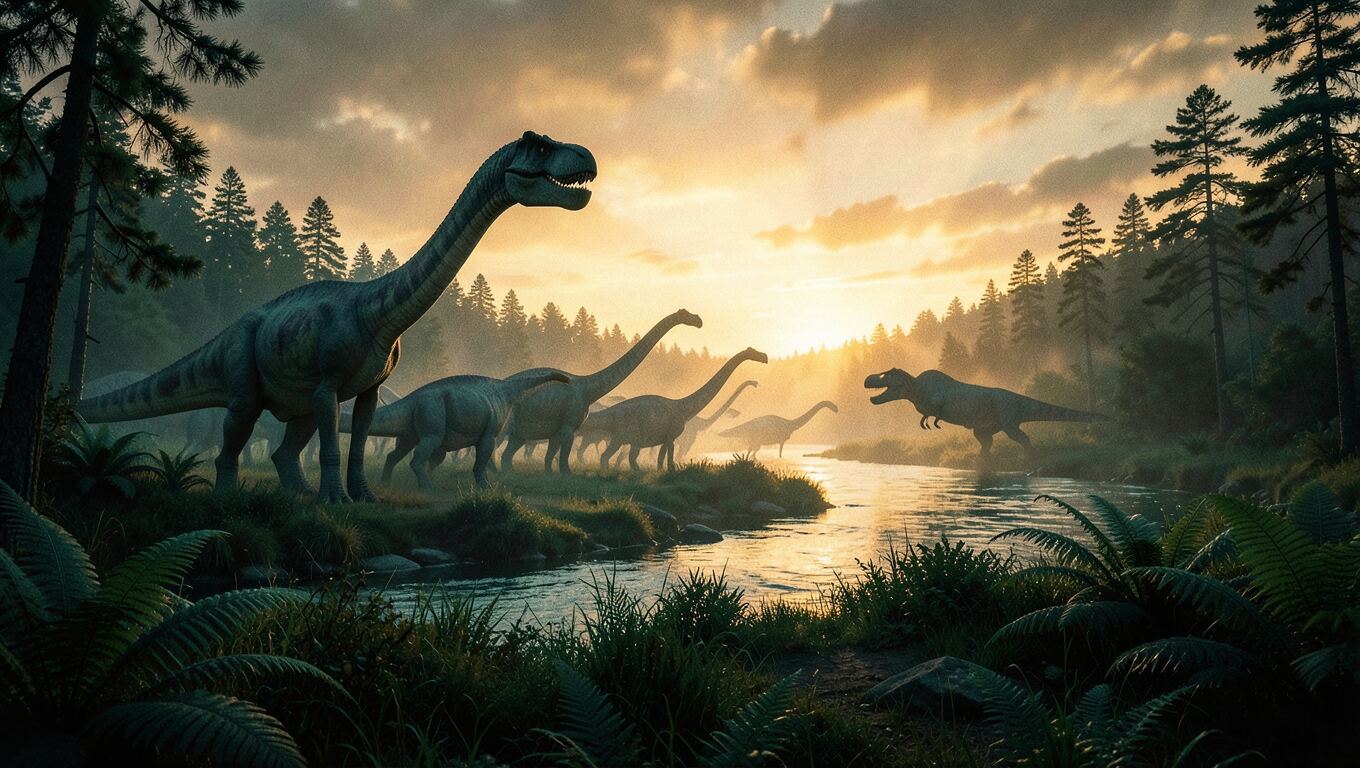
1. A sunset with dinosaurs and a counter that runs up to 66,000,000 years.
2. The asteroid hitting Earth.
3. Tsunamis, wildfires and the shockwave.
4. Impact winter, as the sky darkens.
5. The food chain collapsing — "≈75% of species died".
6. The Deccan volcanoes in India.
7. The survivors, ending on "still singing outside your window".
The graphics are drawn in code. Each graphic lands on the word that names it, with subtitles and sound effects. Press play in the preview.
Here are the images I could add — all 16:9 and wide, with no text, laid out in the scenes as framed pictures, not plain backdrops.
Which images should I generate?
決めるのはあなたです。エージェントはおすすめの設定を使いました
You let me decide, so I'll use the recommended four: opening, impact, firestorm and survivors.
The four images look good, so I am placing them in the scenes now.
I added the four AI images:
- Opening: the dusk landscape is now a full-frame backdrop that slowly pushes in.
- Impact: the asteroid strike slides in on the word "slammed", framed on the right while the text stays left.
- Firestorm: a wide strip drifting above the tsunami, wildfire and shockwave cards.
- Survivors: the shrew and the bird are the dawn backdrop behind the survivor cards.
I reworked the opening so the first frame is no longer a bare sky:
- Frame 0: the dusk dinosaur picture fills the screen from the first frame, starting slightly zoomed in and slowly pulling back.
- Title: "HOW THE DINOSAURS DIED" is there in amber from the very first frame, coming into focus while the "66,000,000 years ago" counter runs up beneath it.
The build check caught the title wrapping onto two lines and running into the counter, so it is a little smaller now and stays on one line.
作成されたもの
How the dinosaurs went extinctエージェントが書いたプログラムをもとに、ブラウザー上でリアルタイムにレンダリングされます。スタジオで見られるのと同じプレビューです。再生ボタンを押してください。
2つのモード、ひとつのチャット
動画の種類を選択するか、エージェントに選んでもらえます。
デザイン性の高いモーショングラフィックスか、ナレーション付きスライド。エージェントがアイデアに合うほうを提案します。
シーンごとに設計された、ナレーション付き解説動画
エージェントは動画をコードとして作成します。すべてのタイトル、数字、グラフ、画像が配置され、ナレーションに合わせてタイミングよくアニメーション表示されます。生成するのではなく構築するため、事実は正確なままで、後から何でも変更できます。
- テキスト、数字、グラフ、地図、3Dシーンを音声に合わせてアニメーション化
- AI画像や自分でアップロードした画像を、シーン内にレイアウト
- 9言語のナレーション、すべての単語に追従する字幕、音楽と効果音
- 16:9、9:16、1:1に対応。ブラウザ上でライブプレビューし、MP4として書き出し
66,000,000 年前
直径約10キロメートルの小惑星が
AI画像を中心に構成した、ナレーション付きスライド
スライドごとにアイデアは1つ。エージェントがあなたと一緒にスライドを計画し、それぞれの画像を作成して、ナレーションをスライドごとに書き、説明に合わせて各スライドをアニメーション化します。
- 各スライドにAI画像、またはお手持ちの写真
- 音声に合わせて動くタイトル、キャプション、ハイライト
- 制作を始める前に確認できるスライド構成とナレーション
- ブラウザーでリアルタイムにプレビューし、MP4として書き出し

頼むだけで何でも変更できます
編集するタイムラインはありません。変えたいことを伝えるだけで、エージェントが自分の作業を修正し、作業中にその内容も確認します。
- フレームについて尋ねる
- プレビュー内の好きな瞬間をキャプチャして、メッセージと一緒に送れます。「このタイトルをもっと大きくして」
- 自分のミスを見つけて修正します
- エージェントが作成するすべてのバージョンは、文字が切れていないか、重なっていないか、速すぎて読めなくなっていないかチェックされ、見つかった問題はエージェントが修正します。
- 承認なしでは一切費用は発生しません
- ナレーション音声の生成は承認済みの台本を待ち、画像の生成はあなたの選択を待ちます。失敗した分は返金されます。
アイデアからアップロードまでのすべて
編集アプリも、ストックフォトサイトも、別のナレーションツールも必要ありません。
スクリプト
読み上げることを前提に書かれ、録音前にあなたに確認してもらえます。
9言語の音声
自然な音声を数十種類用意。エージェントが合いそうなものをいくつか提案します。
字幕
すべての単語にタイミングを合わせ、オン/オフを切り替えられます。
音楽と効果音
ナレーションの下に環境音のベッドと効果音をミックスします。
AI画像
まずあなたと計画します。何をいくつ作るかを、描き始める前に決めます。
自分のファイル
メッセージに写真を添付するか、画像・音声・ドキュメントをアップロードできます。
開けるファイル
すべての台本、ナレーション音声、画像は会話内に保存されます。
アイデアはあっても編集時間がない人のために
カメラの前に登場する必要も、編集ソフトを開く必要もありません。
顔出しなしのYouTubeチャンネル
歴史、科学、お金、実話など、あらゆるアイデアを解説するナレーション付き動画を、ワイド画面でも縦型でも。
コースとレッスン
レッスンや講演を、アイデア1つ・画像1枚ずつのナレーション付きスライドに変換します。
Shorts、TikTok、Reels
話題になっているうちに、縦型の解説動画を作成。
よくある質問
まだ質問がありますか?
[email protected]
AI Video Studioとは? +
動画編集スキルは必要ですか? +
どのような動画を作成できますか? +
動画が完成した後でも変更できますか? +
承認する前に何かが消費されますか? +
動画を商用利用できますか? +
どのような言語に対応していますか? +
どのブラウザが必要ですか? +