
logo 無臉影片製作器
AI 影片工作室 · 在聊天中製作無真人出鏡影片

描述一部影片。
AI 智能體來製作。

用一句話告訴它你的想法。它會提出幾個問題、撰寫腳本、錄製旁白、繪製圖片或拍攝 AI 片段,並將每個場景組合起來 — 你可以看著影片逐漸成形,再用日常語言提出修改要求。

免費試用 · 無需信用卡

觀看智能體製作兩部真實影片

重播兩次真實工作階段。每個問題、步驟和畫面,都是智能體實際完成的 — 只有等待時間被剪掉了。

How the dinosaurs went extinct

AI 影片工作室 · 完成

can you make a video to explain how the dinosaurs went extinct?
閱讀指南Motion Graphics guide· 完成
列出語音en-US· 完成

I'll make this as a Motion Graphics explainer: designed scenes, narration, exact facts, editable afterwards. Proposed outline:
1. Hook: 66 million years ago
2. The asteroid hits (Chicxulub, ~10 km wide, Mexico)
3. Immediate effects: fire, tsunamis, shockwave
4. Dust blocks the sun, food chains collapse
5. Volcanoes (Deccan Traps) added stress
6. Who survived: small mammals, birds — living dinosaurs
7. Closing takeaway

Which look?

Cinematic推薦Dramatic and atmospheric, fits prehistory
Editorial dataSerious, timeline and chart feel
Soft organicFriendly, educational

Format and length?

Landscape 16:9, ~60–75s推薦YouTube / screens
Portrait 9:16, ~45–60sTikTok / Reels / Shorts
Square 1:1, ~60sFeed post

Voiceover?

English – Andrew (male, warm, confident)推薦
English – Ava (female, expressive, friendly)
English – Christopher (male, authoritative)
No voiceoverText and music only

Pictures?

Code-drawn graphics only推薦Asteroid, Earth, timeline and charts drawn in motion
AI images for 3–4 scenese.g. asteroid, firestorm, dark sky, survivors

已回答

Narration (7 parts, voice: Andrew)

1. Sixty-six million years ago, dinosaurs ruled the Earth. Then, in a single day, their world began to end.
2. An asteroid about ten kilometers wide slammed into what is now Mexico. It struck at tens of times the speed of a bullet.
3. The blast set off giant tsunamis, huge wildfires, and a shockwave that swept across the planet.
4. But the worst was yet to come. Dust and soot filled the sky and blocked the sun for months, maybe years.
5. Plants stopped growing. Plant eaters starved, and then the hunters that fed on them. Around three quarters of all species died.
6. Massive volcanic eruptions in India may have already been straining the planet's climate.
7. Yet some survived: small mammals, crocodiles, and a few feathered dinosaurs, the ancestors of today's birds. So dinosaurs never fully vanished. They are still singing outside your window.

Record this narration?

Record it as written推薦
Change itWrite your edits under Other

已回答

閱讀指南DOM layers· 完成
閱讀指南Sound and web assets· 完成
錄製旁白Andrew · Sixty-six million years ago, dinosaurs…· 4.1s
錄製旁白Andrew · An asteroid about ten kilometers wide…· 3.8s
錄製旁白Andrew · The blast set off giant tsunamis…· 3.9s
錄製旁白Andrew · But the worst was yet to come…· 3.9s
錄製旁白Andrew · Plants stopped growing…· 8.0s
錄製旁白Andrew · Massive volcanic eruptions in India…· 4.0s
錄製旁白Andrew · Yet some survived…· 3.9s
寫入檔案script.js· 完成
寫入檔案template.js· 完成
寫入檔案style.css· 完成
寫入檔案render.js· 完成
檢查範本· 完成

I made the dinosaur extinction video: 16:9, Cinematic style, about 66 seconds, narrated by Andrew. Seven scenes:

1. A sunset with dinosaurs and a counter that runs up to 66,000,000 years.
2. The asteroid hitting Earth.
3. Tsunamis, wildfires and the shockwave.
4. Impact winter, as the sky darkens.
5. The food chain collapsing — "≈75% of species died".
6. The Deccan volcanoes in India.
7. The survivors, ending on "still singing outside your window".

The graphics are drawn in code. Each line appears as its word is spoken, with subtitles, sound effects and quiet ambient music. Press play in the preview.

Add some AI images to assist the video.
自動檢查發現問題,已退回給智慧體
Layout check: 1.3–8.8s, text inside the subtitle area — the 🦖 silhouettes
編輯檔案render.js· 完成
編輯檔案render.js· 完成

I've fixed the layout warning: the dinosaur silhouettes now sit above the subtitle area. Now the images — all 16:9 and wide, with no text, laid out in the scenes as framed pictures, not plain backdrops.

Which images should I generate?

Opening landscape推薦
Asteroid impact推薦
Firestorm推薦
Dark sky / impact winter
Survivors at dawn推薦

由你決定——智慧體採用了它的建議

You let me decide, so I'll use the recommended four: opening, impact, firestorm and survivors.

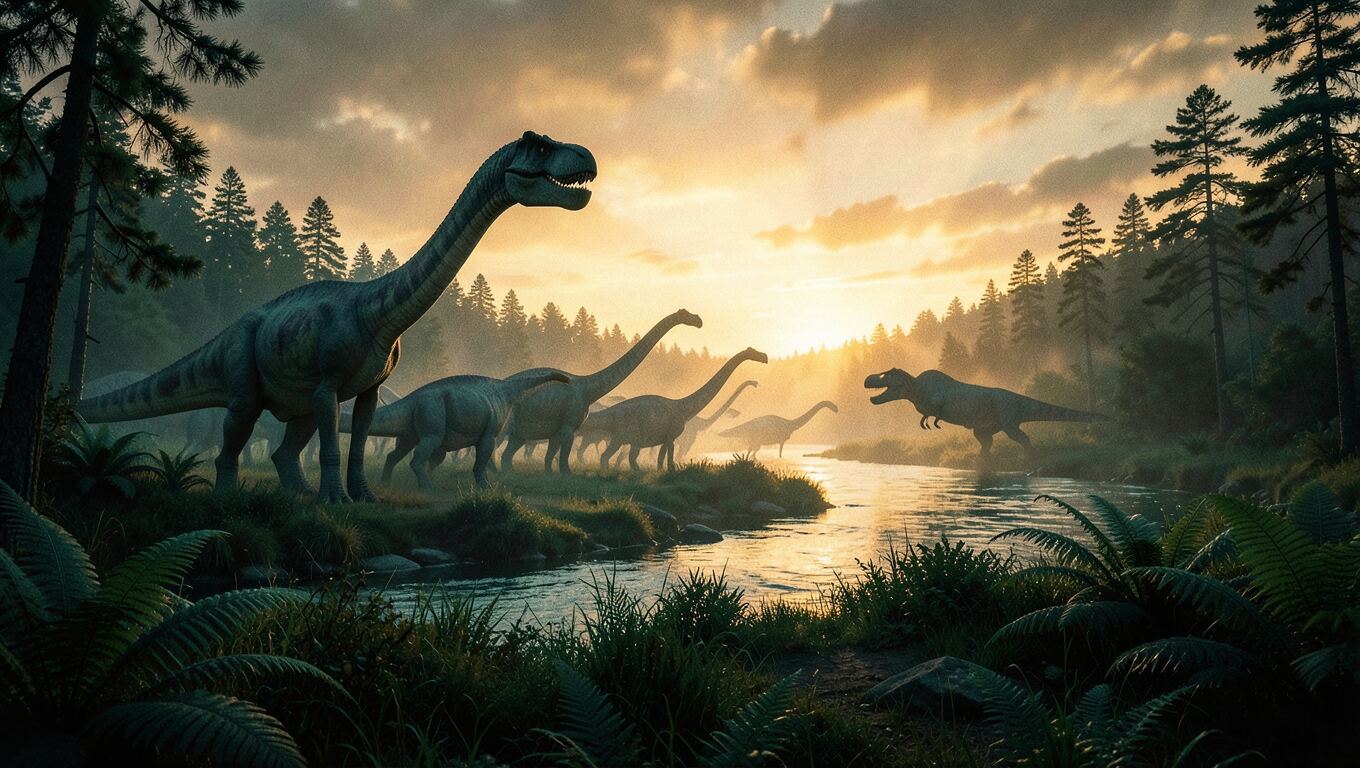
產生圖片16:9 · Late Cretaceous landscape at golden dusk…· 6.7s
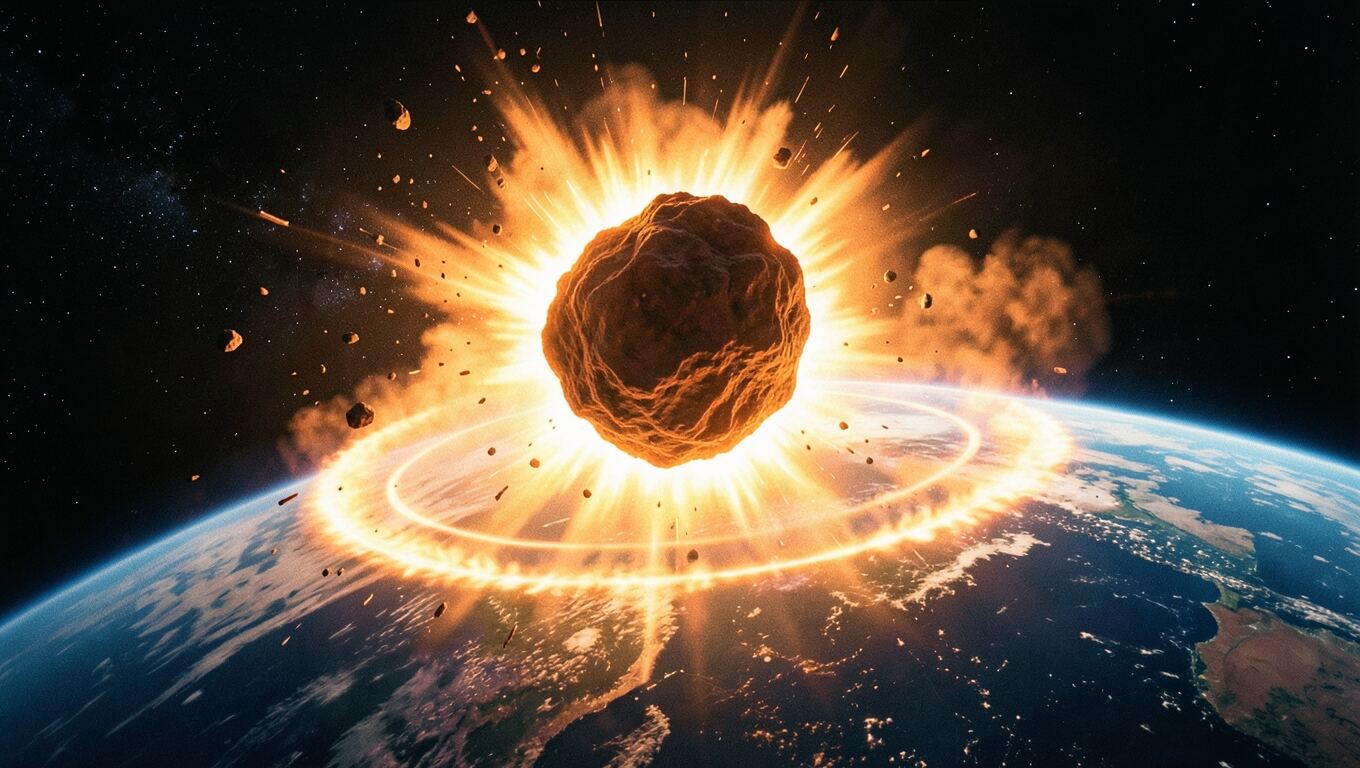
產生圖片16:9 · A flaming asteroid striking Earth…· 6.6s
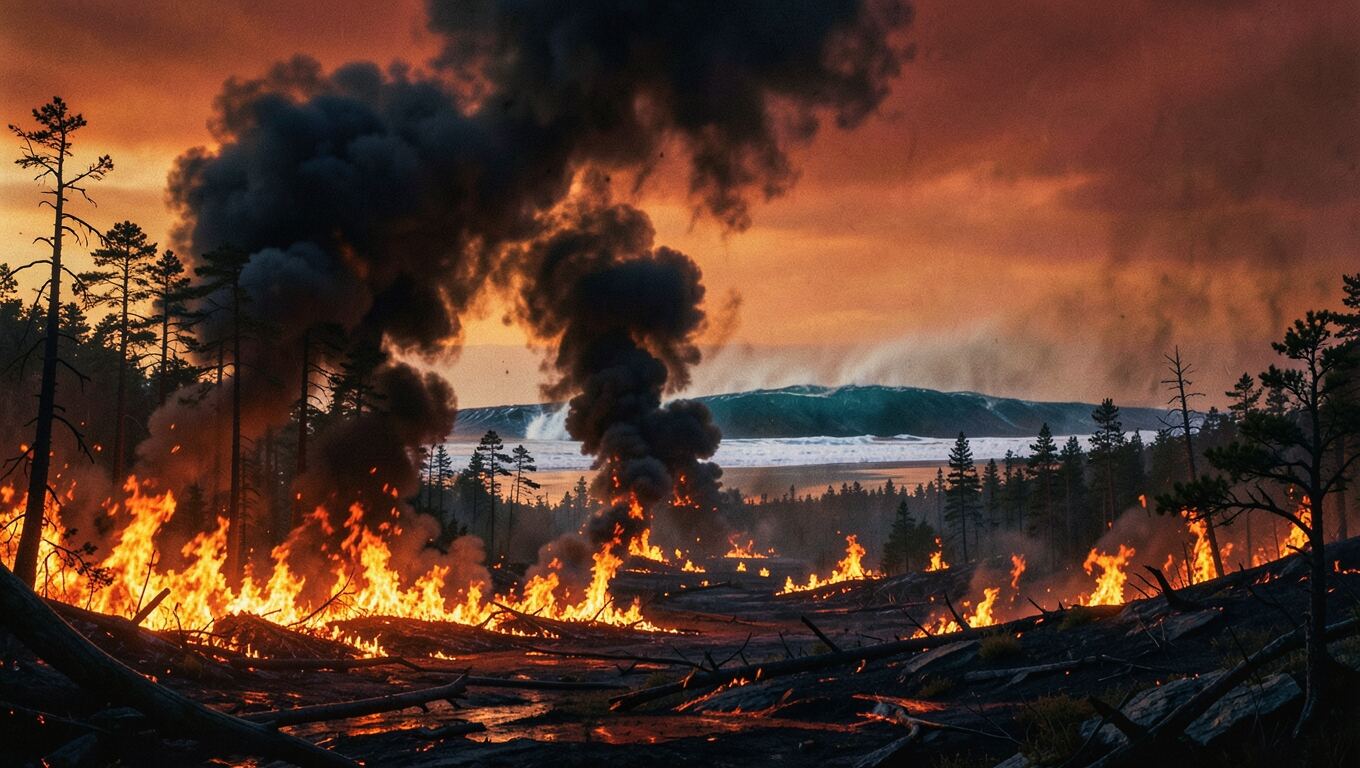
產生圖片16:9 · Prehistoric landscape engulfed in wildfires…· 6.7s
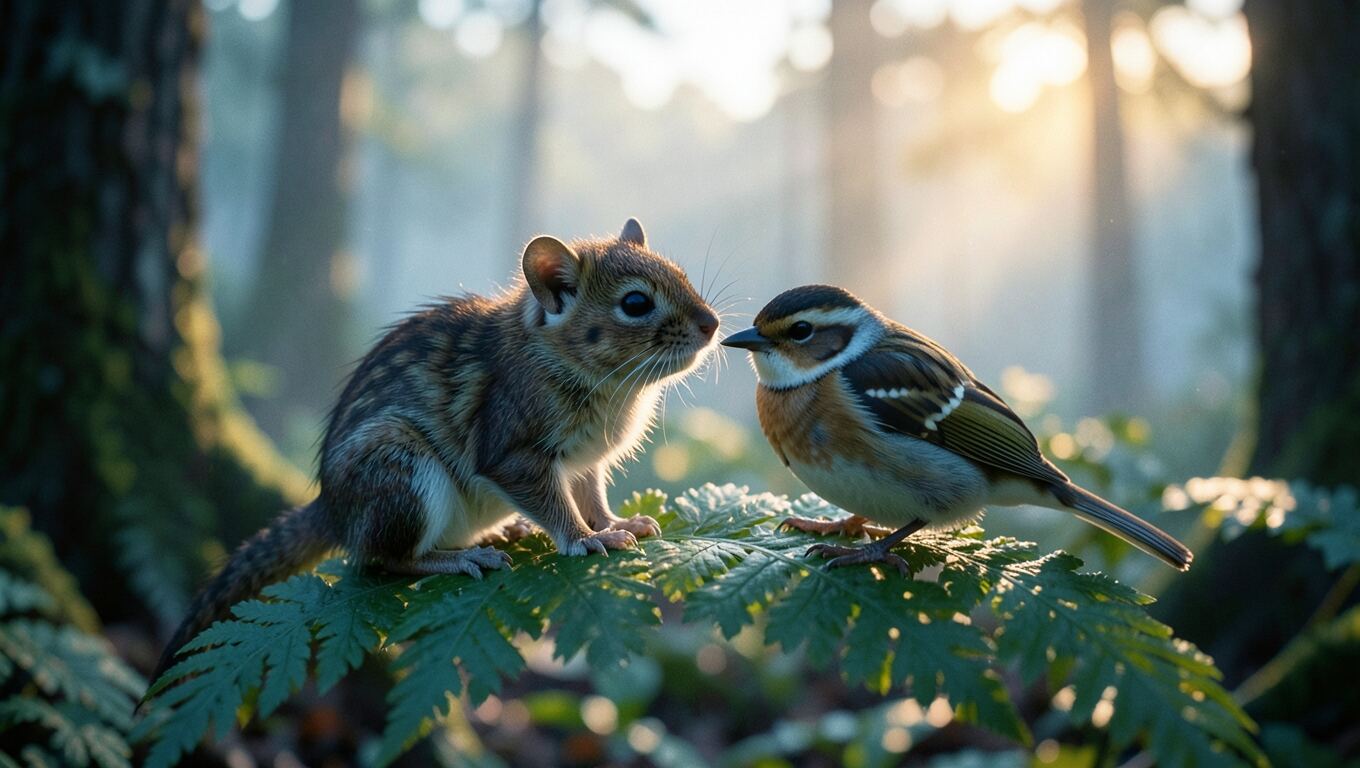
產生圖片16:9 · A shrew and a bird on a fern at dawn…· 6.5s
查看圖片gen-01.jpg· 完成
查看圖片gen-02.jpg· 完成
查看圖片gen-03.jpg· 完成
查看圖片gen-04.jpg· 完成

The four images look good, so I am placing them in the scenes now.

編輯檔案style.css· 完成
編輯檔案render.js· 完成
編輯檔案render.js· 完成
編輯檔案render.js· 1.1s
編輯檔案render.js· 完成
檢查範本· 完成

I added the four AI images:

- Opening: the dusk landscape is now a full-frame backdrop that slowly pushes in.
- Impact: the asteroid strike slides in on the word "slammed", framed on the right while the text stays left.
- Firestorm: a wide strip under the tsunami, wildfire and shockwave cards, rising in as "wildfires" is spoken.
- Survivors: the shrew and the bird are the dawn backdrop behind the survivor cards.

Can the first frame of the video be made more engaging?
編輯檔案render.js· 完成
編輯檔案render.js· 完成
編輯檔案render.js· 完成
編輯檔案render.js· 完成
檢查範本· 完成

I reworked the opening so the first frame is no longer a bare sky:

- Frame 0: the dusk dinosaur picture fills the screen from the first frame, starting slightly zoomed in and slowly pulling back.
- Title: "HOW THE DINOSAURS DIED" is there in amber from the very first frame, settling as its letter-spacing tightens, then fading before the "66,000,000 years ago" counter takes over.

自動檢查發現問題,已退回給智慧體
Layout check: 0.3–1.3s, text cut off by the frame edge — "HOW THE DINOSAURS DIED"
編輯檔案render.js· 完成
編輯檔案render.js· 完成
檢查範本· 完成

Fixed: the title was too wide at the start of its animation, when the letters were spread apart and scaled up. It is a little smaller now (84px instead of 96px) with a tighter opening spacing, so it stays inside the frame the whole time.

製作成果

How the dinosaurs went extinct
0:00 / 0:00

根據智慧體撰寫的檔案在瀏覽器中即時轉譯——這與您在工作室中看到的預覽相同。按下播放鍵即可。

使用方式

從一句話到完整影片

由你做決定,智慧代理負責執行。

  1. 製作一支 60 秒的解說影片,說明恐龍是如何滅絕的。
    描述你的影片,或說明要變更的內容… 傳送
    01

    說出你的想法

    用你自己的話描述一個主題、故事或產品。有照片的話請附上。

  2. 選擇哪種風格?

    電影風格推薦
    編輯數據
    柔和自然
    02

    回答幾個問題

    風格、格式、聲音和圖片,各自都會獲得一項推薦。在錄製任何聲音之前,你可以先閱讀腳本;每個 AI 片段製作前,你都可以進行核准。

  3. 下載 MP4
    03

    觀看、修改、下載

    影片會直接在頁面中播放。用自然的語言提出任何修改要求,然後下載 MP4。

三種模式,一個聊天視窗

選擇影片類型,也可以交給智慧代理來選擇。

每種模式都是一種不同的影片製作方式。智慧代理會推薦最適合你想法的模式,你也可以隨時切換。

模式 1 · 動態圖像

按場景設計的旁白解說影片

智慧代理會將影片編寫成程式碼:每個標題、數字、圖表和圖片都會被放置到位,並配合旁白節奏進行動畫處理。由於影片是建構出來的,而不是生成出來的,事實始終保持準確,之後還可以隨時修改任何內容。

  • 文字、數字、圖表、地圖和 3D 場景,隨語音進行動畫呈現
  • AI 圖片或你自行上傳的圖片,配置在場景之中
  • 支援 9 種語言的旁白、逐字同步的字幕、音樂和音效
  • 支援 16:9、9:16 或 1:1,可在瀏覽器中即時預覽並匯出為 MP4
閱讀指南:如何用一句話製作解說影片 →
恐龍科普影片中的一個場景:小行星撞擊地球

66,000,000 年前

一顆直徑約 10 公里的小行星

猛烈撞擊了如今的墨西哥地區。
模式 2 · AI 片段

逼真的畫面,並配有專屬聲音

描述一個場景,智慧代理就會為影片模型撰寫逐鏡頭提示詞:包括鏡頭運動、動作、每個角色說的台詞、音樂和聲音。加入照片後,照片中的人物或產品會以原本的樣子出現在影片中。

  • 僅憑文字生成,或使用最多 6 張參考照片生成
  • 隨畫面一同生成的對白、音效和音樂
  • 5 至 15 秒,480P 或 720P,支援 6 種畫面比例
  • 製作每個片段前,你都可以查看提示詞並批准;算繪會在背景中進行
閱讀指南:如何用一張照片製作產品影片 →
生成此影片片段? 12s 16:9 720P
@Image 1
@Image 2

Shot 1: Medium close-up over the shoulder. Madame Forestier @Image 1 opens a velvet jewel box and says {Choose whatever you like, my dear.}
Shot 2: High-angle wide shot, slow crane down. Mathilde @Image 2 waltzes at centre… (a sweeping Viennese waltz)

生成 變更內容
模式 3 · 長影片

人物始終一致的短劇與故事

單個片段只有幾秒長。製作完整故事時,代理會先進行規劃,把故事繪製成由關鍵影格組成的分鏡,並固定每個角色,然後根據這些關鍵影格逐個拍攝故事片段。

  • 在開始製作前,先向你展示規劃、演員陣容和所有片段
  • 由九個關鍵影格組成的分鏡表可保持面孔、服裝和光線的一致
  • 每個片段都以分鏡中的畫格開始和結束,因此剪輯能夠自然銜接
  • 先在工作室中連續播放,再在瀏覽器中合成為一個 MP4
閱讀指南:如何將一個故事變成動畫短劇 →
代理為《項鍊》繪製的分鏡表
片段 1 10s
片段 2 12s
片段 3 14s
片段 4 14s
片段 5 10s
The Necklace · 1:00 合併成一個 MP4

在所有模式下

只需提出要求即可更改任何內容

沒有需要編輯的時間軸。告訴代理你想改什麼,它會修改自己的作品,並在過程中檢查修改結果。

詢問某個畫格
在預覽中擷取任意時刻,並與訊息一起傳送:「把這個標題放大。」
它會發現自己的錯誤
預覽會檢查每一個畫面,查看文字是否被截斷或重疊,並將發現的問題傳回給代理進行修正。
未經同意,不會產生任何費用
配音會等待你核准腳本,圖片會等待你挑選,片段會等待你核准。任何不符合要求的內容都會退款。
可以讓影片的第一個畫面更吸引人嗎?
編輯檔案render.js編輯檔案render.js檢查範本render.js
自動檢查發現問題,已退回給智慧體
0.3–1.3s · 文字被畫面邊緣截斷 — “HOW THE DINOSAURS DIED”
已修正:標題在動畫開始時太寬。現在縮小了一些,整個過程都會保持在畫面內。

從創意到上傳的全部過程

不需要剪輯應用程式、圖庫網站或獨立的配音工具。

腳本

以適合朗讀的方式撰寫,並在錄音前先讓你查看。

支援9種語言的聲音

數十種自然人聲;代理會推薦幾種合適的聲音。

字幕

與每個字精準同步,並可隨時開啟或關閉。

音樂和音效

在旁白下方混入環境音和音效。

AI 圖像

先與你一起規劃:在繪製任何內容之前,確定要製作多少個、製作什麼。

你自己的檔案

在訊息中附加照片,或上傳圖片、音訊和文件。

可以開啟的檔案

所有腳本、配音、圖片和片段都會保存在對話中。

標準或進階智慧代理

按對話選擇:更快速輕量,或功能更強大,適合製作更大型的影片。

為有創意、沒時間剪輯的人而生

你不必出鏡,也不必開啟編輯器。

不露臉的YouTube頻道

歷史、科學、金錢、真實故事——為每個想法製作旁白解說影片,支援寬螢幕或直式格式。

故事頻道和短劇

將故事變成動畫短劇,讓角色從第一個場景到最後一個場景始終保持相同的外觀。

Shorts、TikTok和Reels

趁話題仍在熱門時製作直式解說影片和 AI 片段。

常見問題

還有其他問題嗎?
[email protected]

什麼是 AI Video Studio? +
這是一個能製作影片的 AI 智慧體聊天工具。描述您想要的內容後,它會規劃影片、向您提出幾個問題,並完成製作——包括腳本、旁白、圖片、AI 片段、版面和字幕。
我需要任何影片編輯技能嗎? +
完全不會。你只要描述影片、回答幾個問題,然後下載結果即可。想修改什麼,只要說明要改的內容——沒有時間軸需要剪輯、拖曳或對齊。
我可以製作哪些類型的影片? +
包括帶旁白的解說影片和動態圖像,使用精確的文字、數字和圖表;根據一句話或你的照片生成的 AI 片段;以及按照分鏡腳本規劃、逐個片段拍攝的長篇故事。
角色在每個場景中都會保持相同的樣子嗎? +
會。對於故事,代理程式會先在同一份分鏡腳本中畫出所有角色,然後根據其中的畫面拍攝每個片段。對於人物或產品,只要上傳照片,片段中就會保持原樣。
影片製作完成後還能修改嗎? +
可以,只要提出要求——「把開場縮短一些」、「加入圖片」、「把標題放大」。代理程式會編輯自己製作的內容。對於 AI 片段,它會重新生成一個版本。
在我同意之前,會消耗任何資源嗎? +
不會。在錄製任何語音之前,你可以先閱讀腳本;每個 AI 片段也都會在生成前由你批准。任何失敗的工作都會退款。
我可以將影片用於商業用途嗎? +
是的。您建立的所有內容均可供您隨意使用——無論是 YouTube 獲利、客戶工作、社群媒體還是其他任何用途。
支援哪些語言? +
您的腳本和配音可以使用英文、簡體中文、繁體中文、日文、韓文、法文、德文、西班牙文或義大利文。
我需要使用哪種瀏覽器? +
請使用 Chrome 或 Edge 下載完成的影片。其他功能可在任何瀏覽器中使用。

你的下一支影片,只差一句話。

告訴代理你想製作什麼,剩下的事情由它來詢問。

製作我的第一支影片