 AI 동영상 스튜디오 · 채팅으로 얼굴 없는 동영상 제작
 동영상을 설명해 보세요.
AI 에이전트가 만들어 줍니다.
아이디어를 한 문장으로 말해 보세요. 에이전트가 대본을 쓰고, 음성을 녹음하고, 이미지를 만들며 모든 장면을 구성합니다.
무료로 체험 · 신용카드 필요 없음
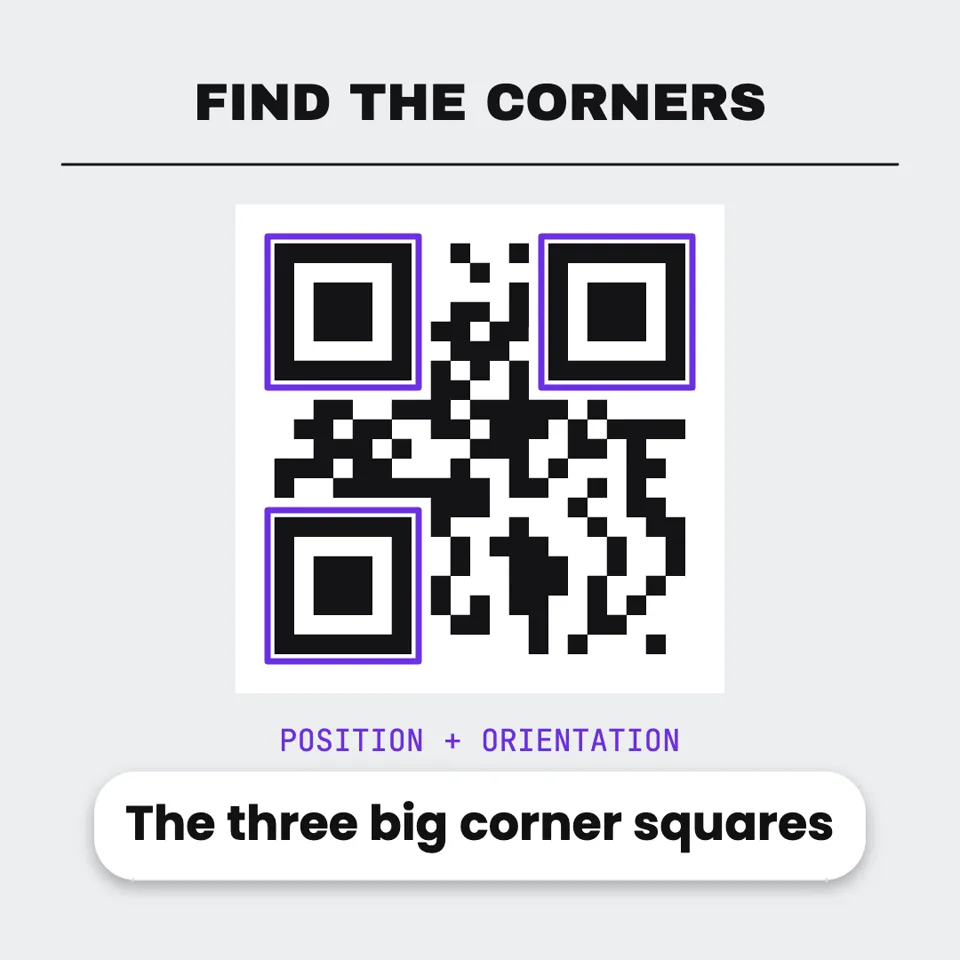
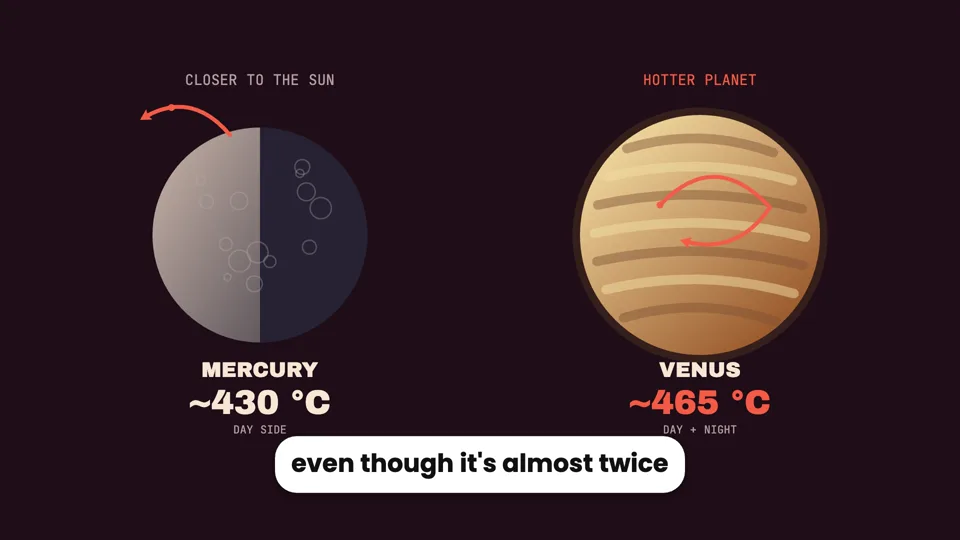
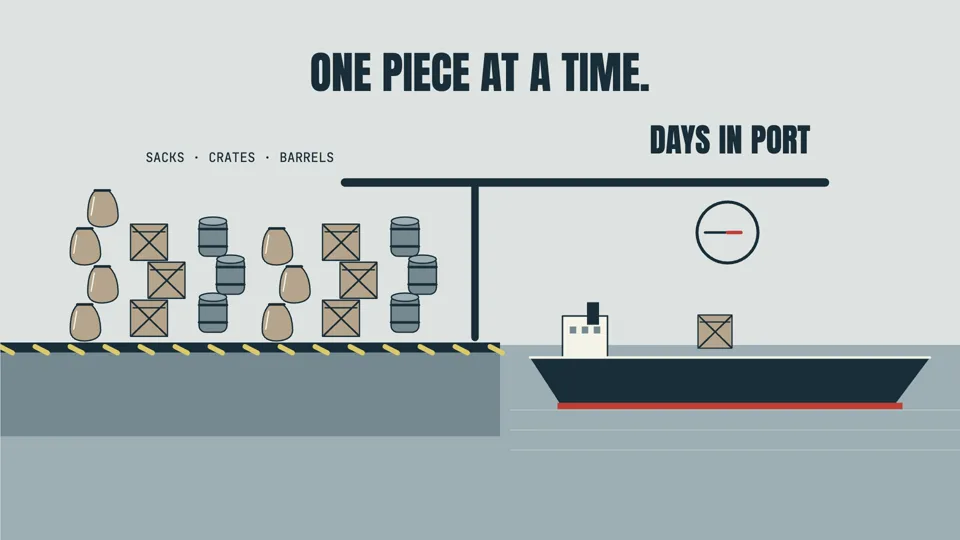
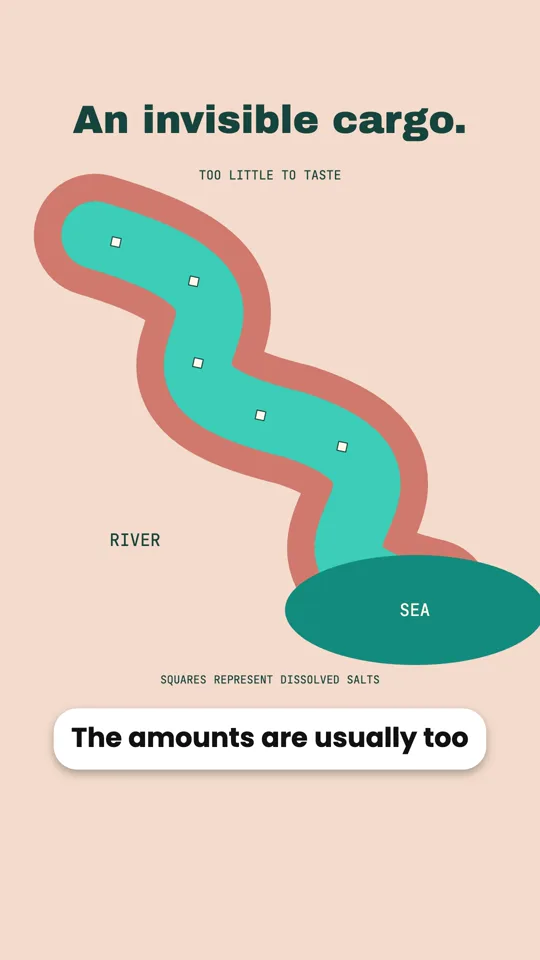
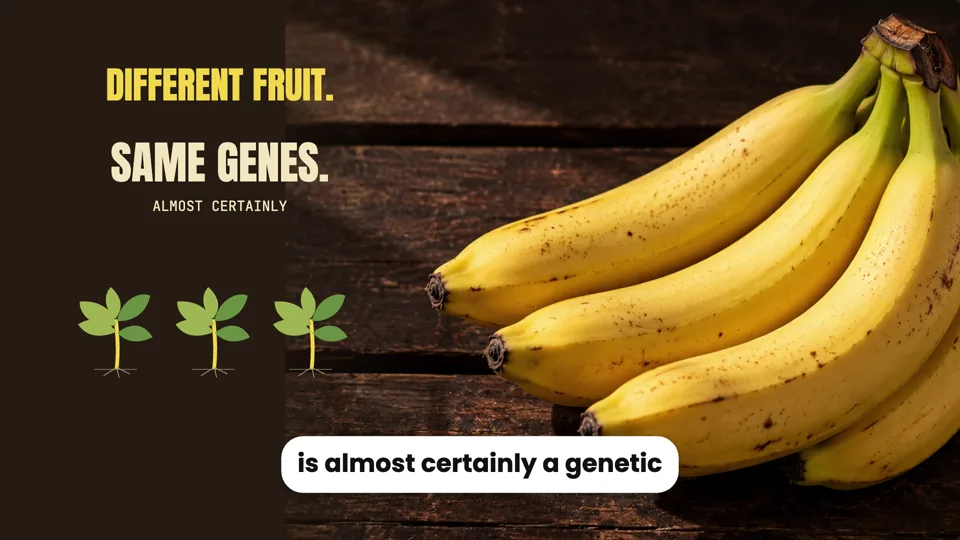
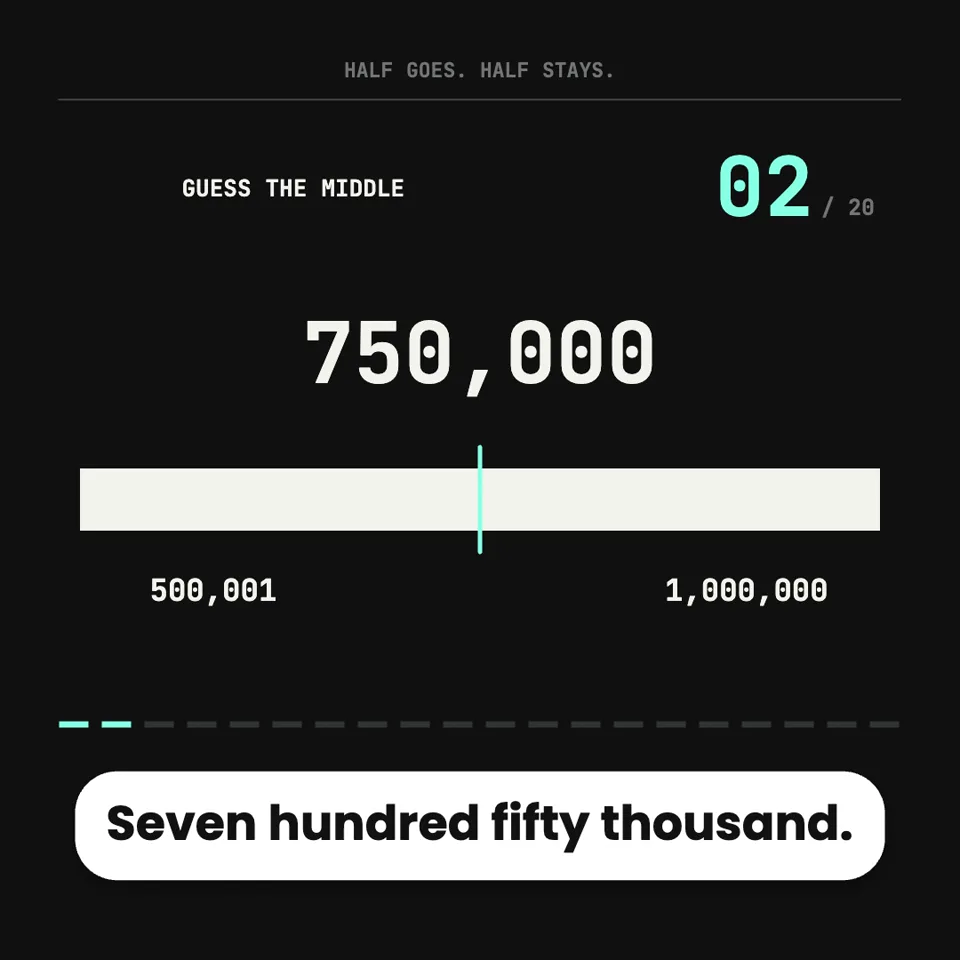
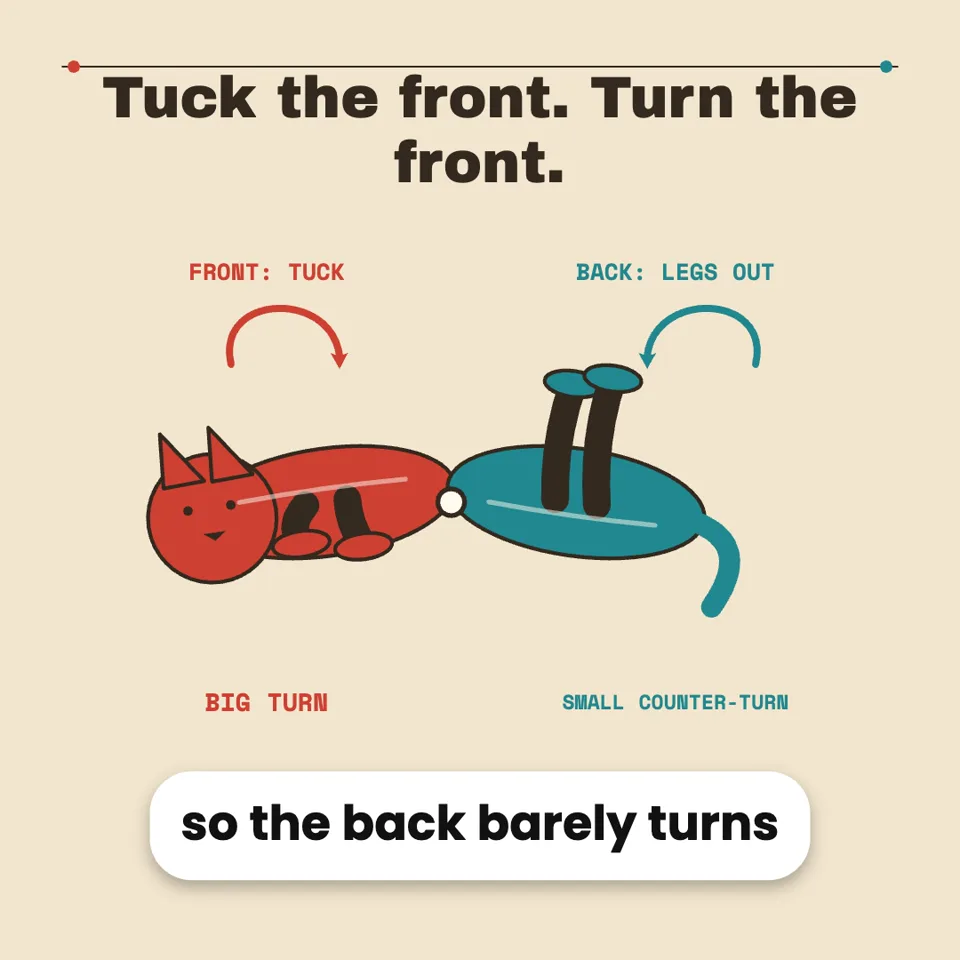
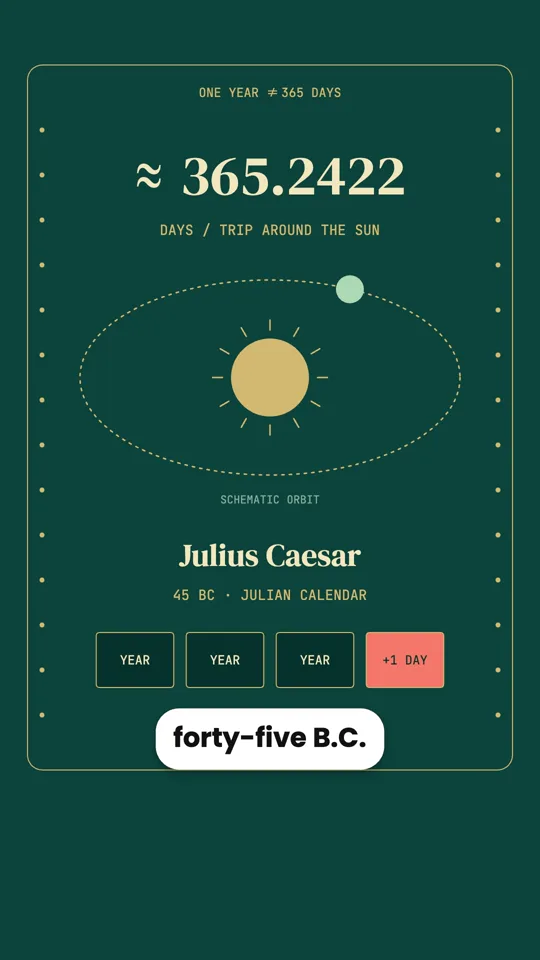
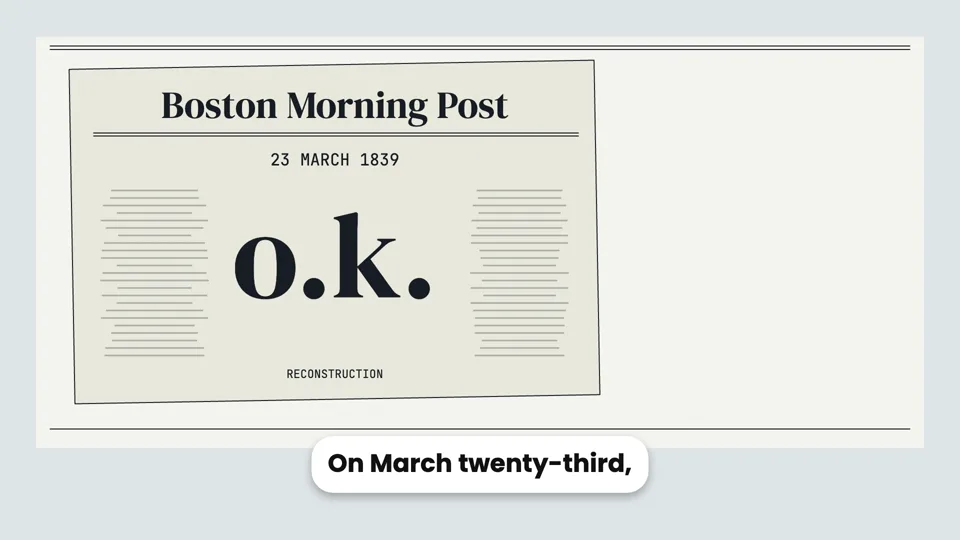
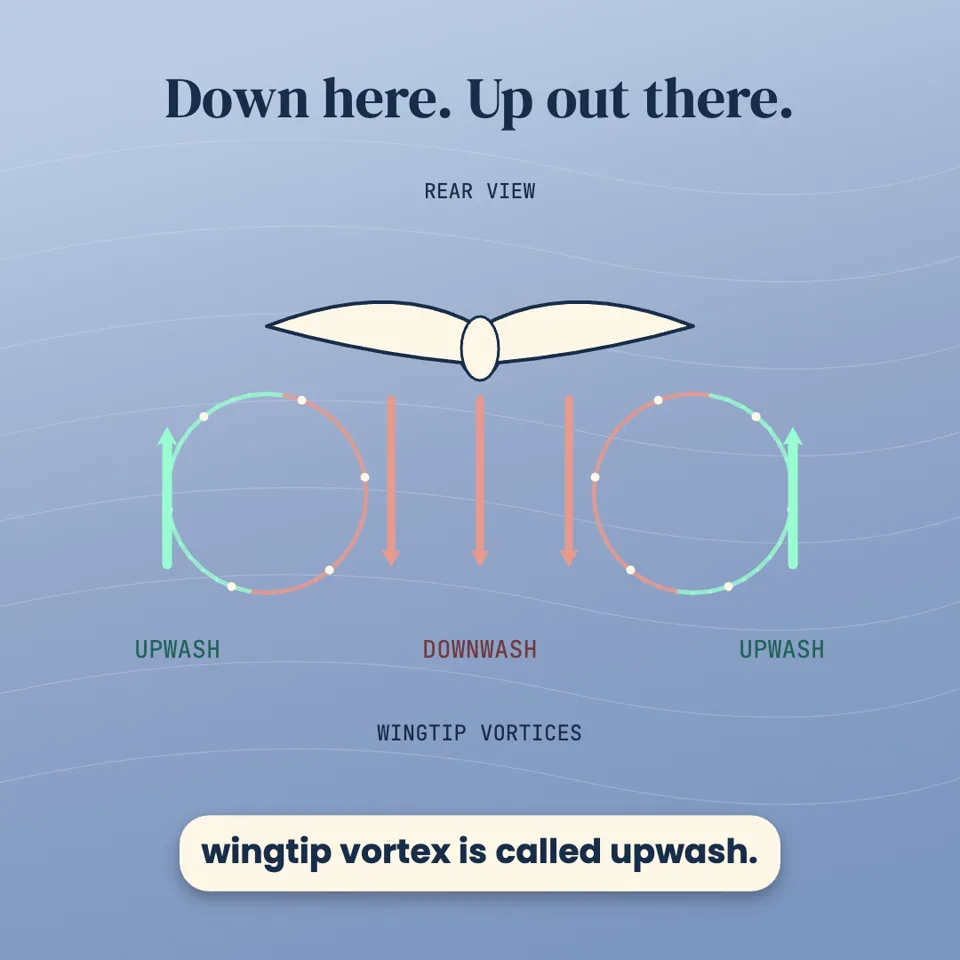
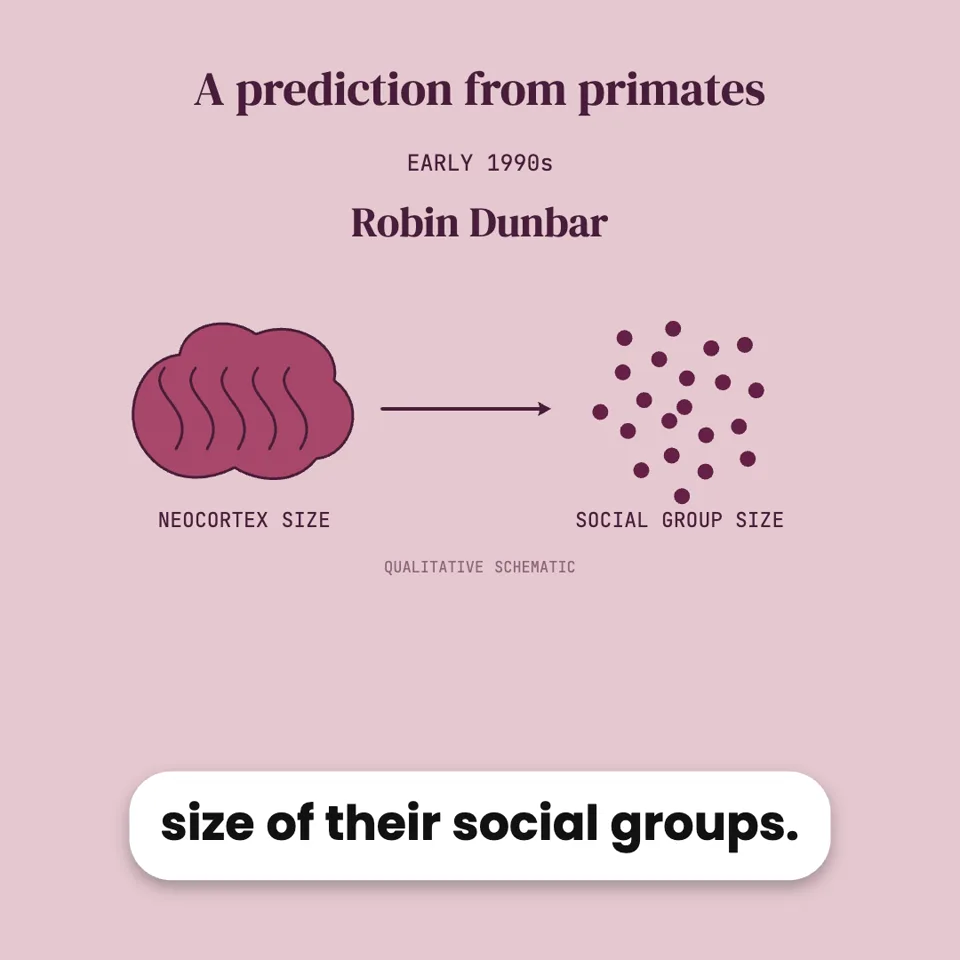
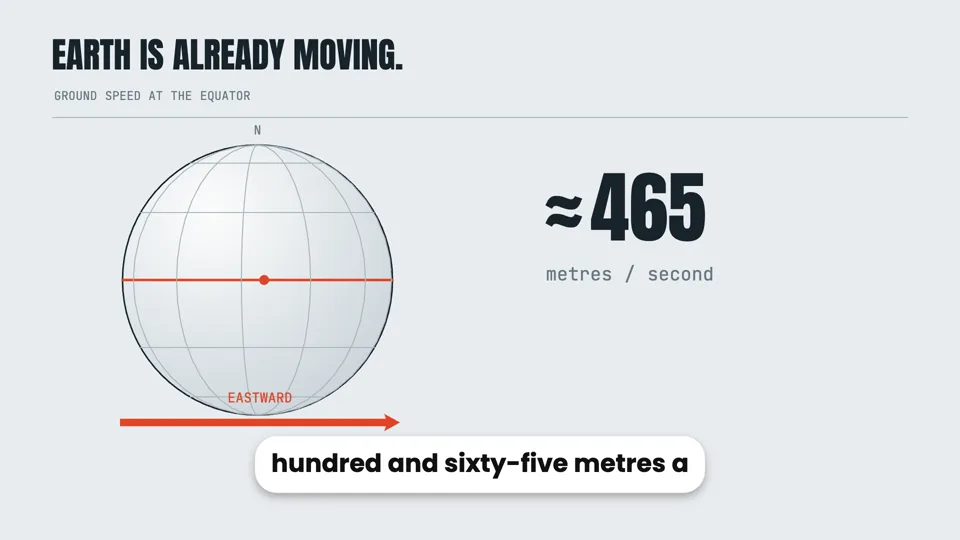

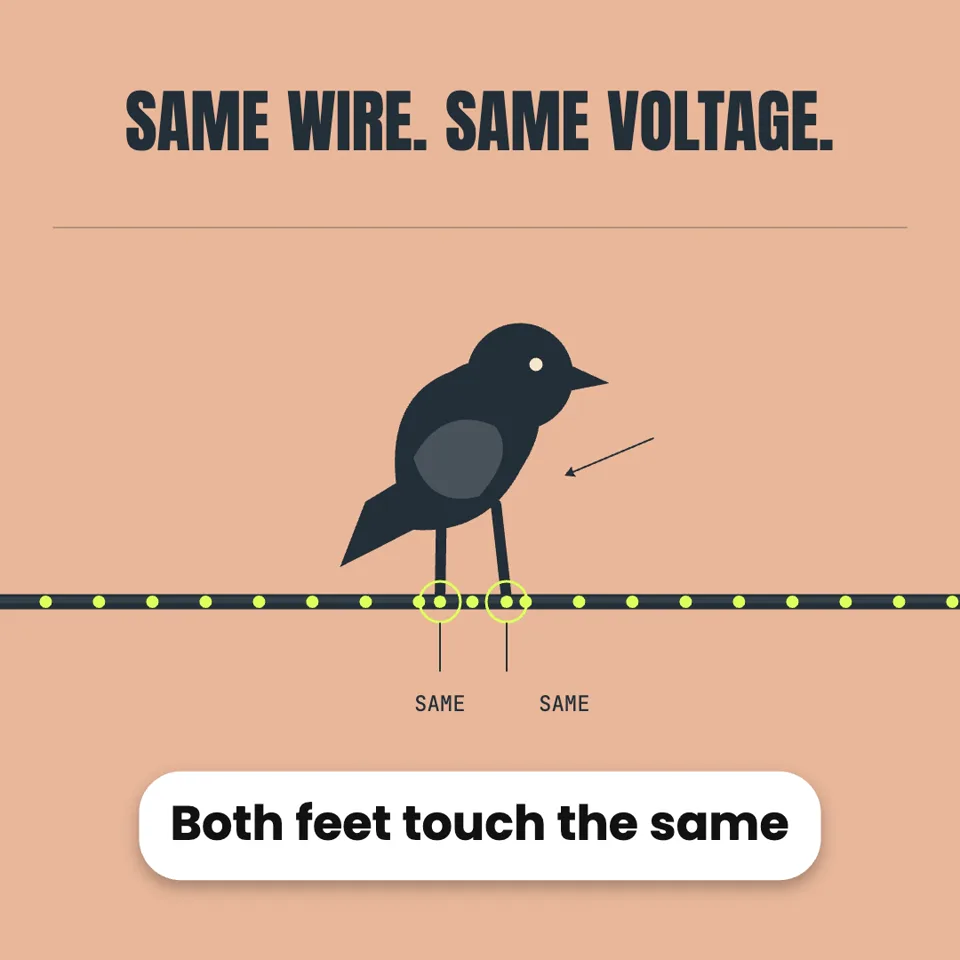
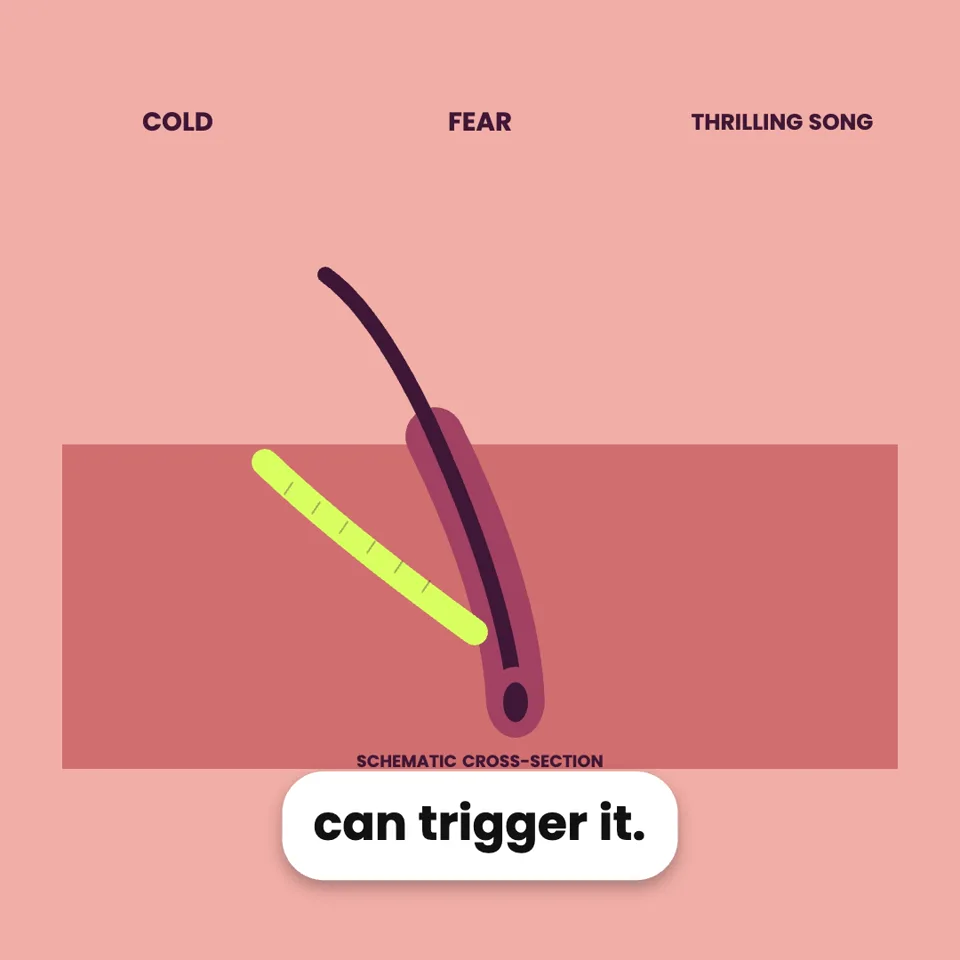
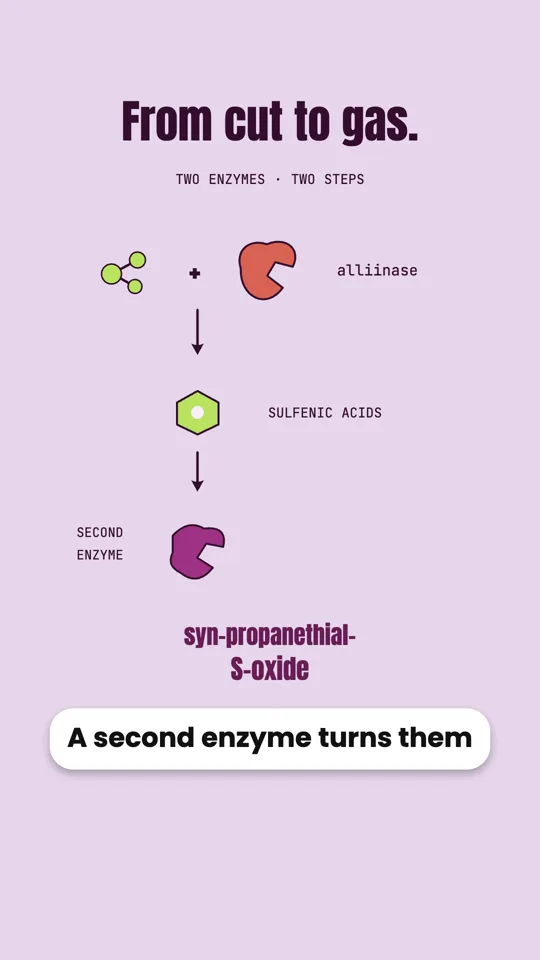
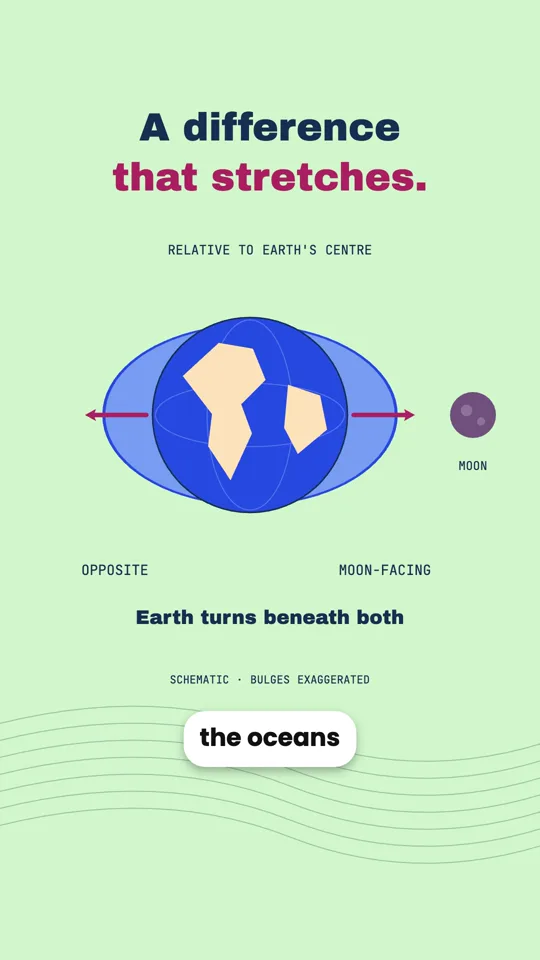
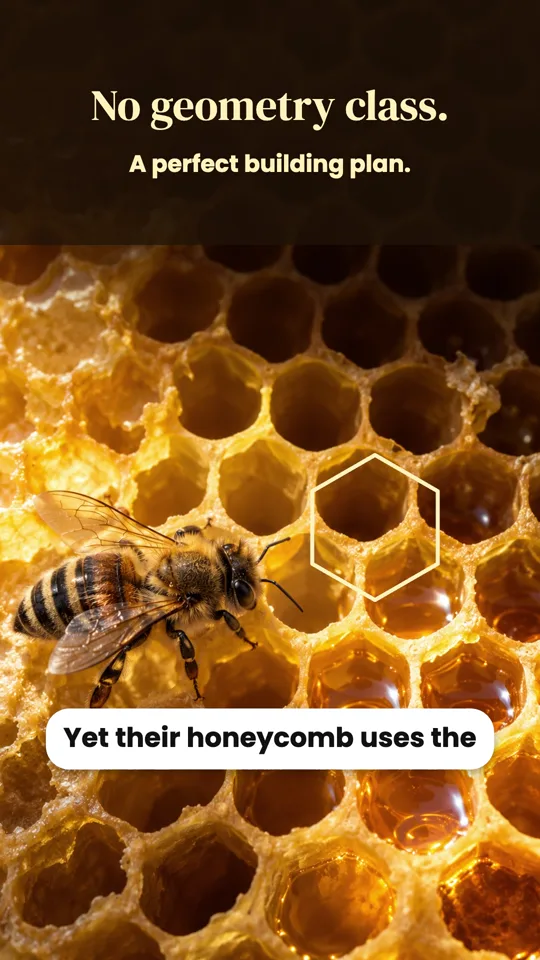
에이전트가 실제 동영상을 만드는 모습을 확인해 보세요
실제 세션을 다시 재생합니다. 모든 질문과 단계, 이미지는 에이전트가 실제로 수행한 것입니다. 대기 시간만 편집해 제외했습니다.
모션 동영상에서 에이전트가 만든 동영상을 더 살펴보세요 →How the dinosaurs went extinct
AI 비디오 스튜디오 · 완료
I'll make this as a Motion Graphics explainer: designed scenes, narration, exact facts, editable afterwards. Proposed outline:
1. Hook: 66 million years ago
2. The asteroid hits (Chicxulub, ~10 km wide, Mexico)
3. Immediate effects: fire, tsunamis, shockwave
4. Dust blocks the sun, food chains collapse
5. Volcanoes (Deccan Traps) added stress
6. Who survived: small mammals, birds — living dinosaurs
7. Closing takeaway
Which look?
Format and length?
Voiceover?
Pictures?
답변함
Narration (7 parts, voice: Andrew)
1. Sixty-six million years ago, dinosaurs ruled the Earth. Then, in a single day, their world began to end.
2. An asteroid about ten kilometers wide slammed into what is now Mexico. It struck at tens of times the speed of a bullet.
3. The blast set off giant tsunamis, huge wildfires, and a shockwave that swept across the planet.
4. But the worst was yet to come. Dust and soot filled the sky and blocked the sun for months, maybe years.
5. Plants stopped growing. Plant eaters starved, and then the hunters that fed on them. Around three quarters of all species died.
6. Massive volcanic eruptions in India may have already been straining the planet's climate.
7. Yet some survived: small mammals, crocodiles, and a few feathered dinosaurs, the ancestors of today's birds. So dinosaurs never fully vanished. They are still singing outside your window.
Record this narration?
답변함
I made the dinosaur extinction video: 16:9, Cinematic style, about 66 seconds, narrated by Andrew. Seven scenes:
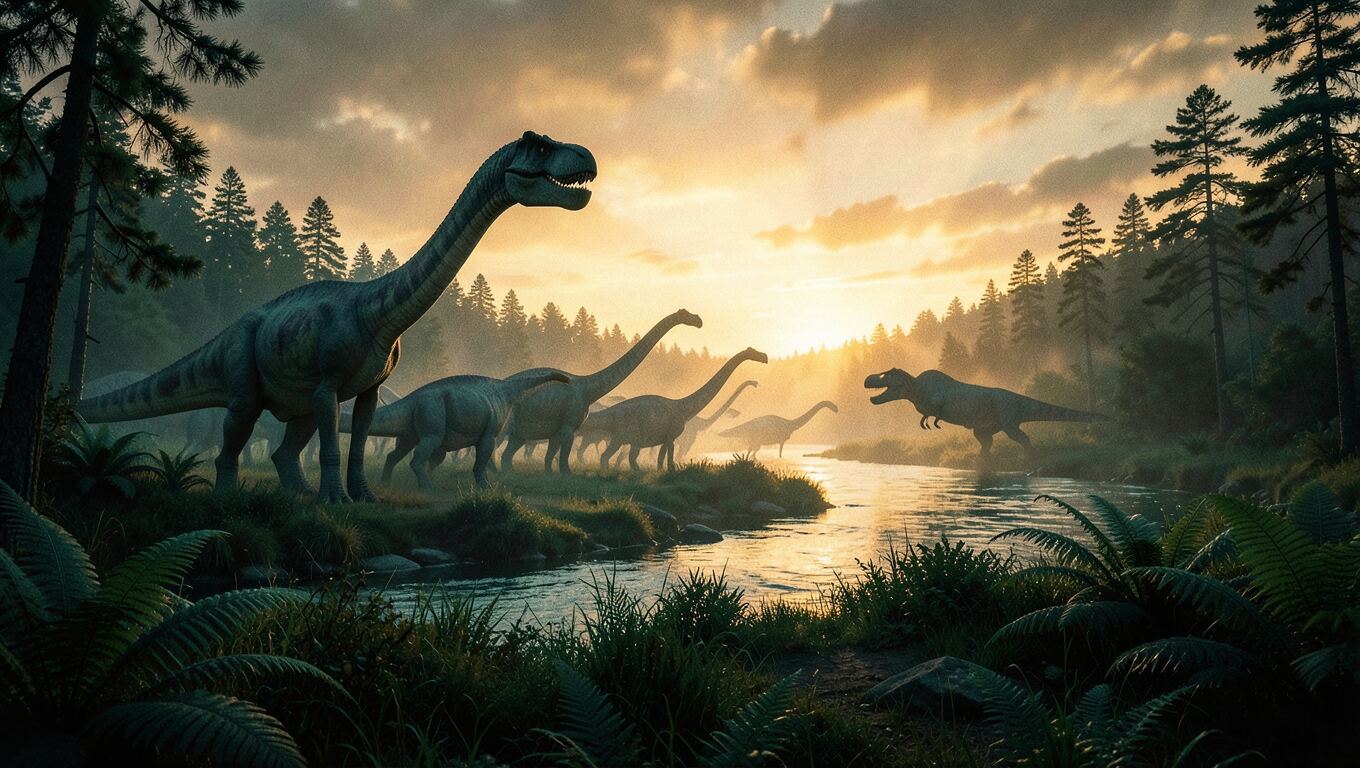
1. A sunset with dinosaurs and a counter that runs up to 66,000,000 years.
2. The asteroid hitting Earth.
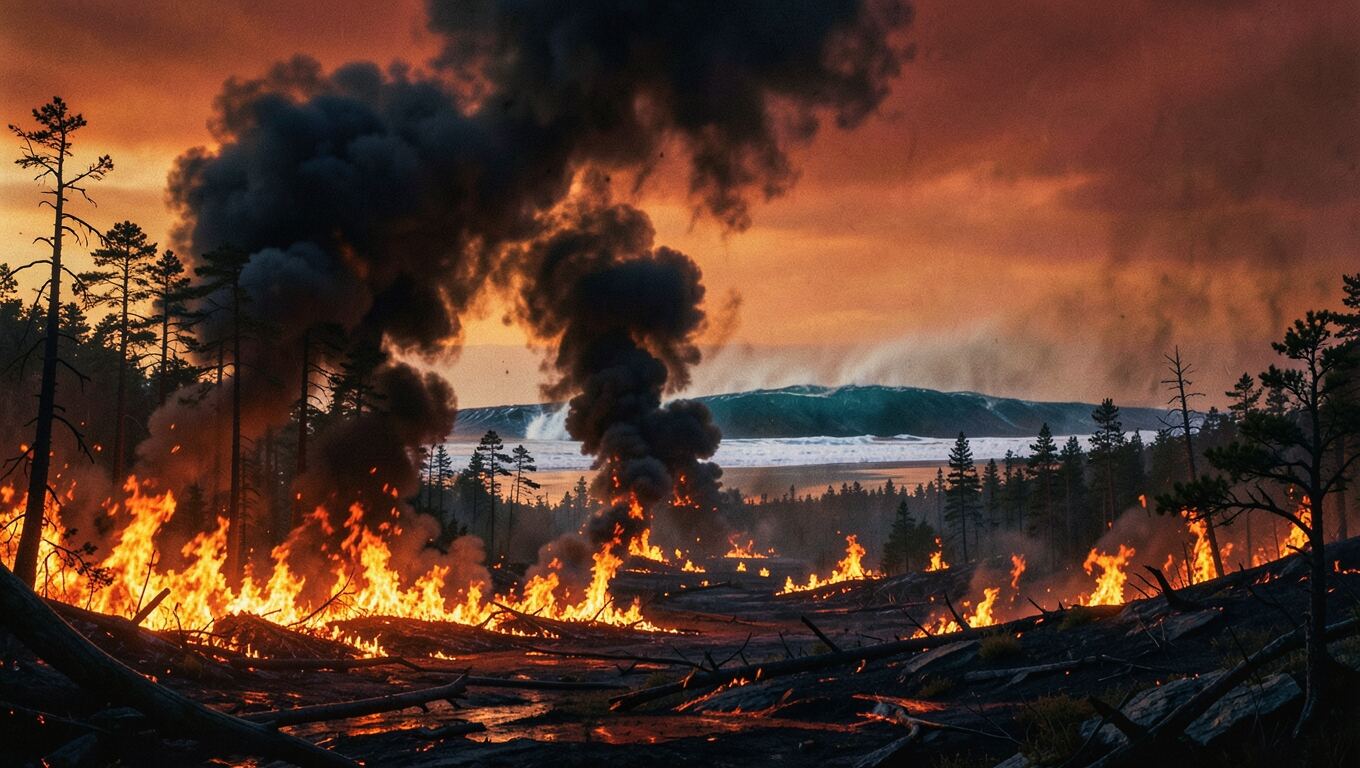
3. Tsunamis, wildfires and the shockwave.
4. Impact winter, as the sky darkens.
5. The food chain collapsing — "≈75% of species died".
6. The Deccan volcanoes in India.
7. The survivors, ending on "still singing outside your window".
The graphics are drawn in code. Each graphic lands on the word that names it, with subtitles and sound effects. Press play in the preview.
Here are the images I could add — all 16:9 and wide, with no text, laid out in the scenes as framed pictures, not plain backdrops.
Which images should I generate?
결정은 당신의 몫입니다. 에이전트는 추천 설정을 사용했습니다
You let me decide, so I'll use the recommended four: opening, impact, firestorm and survivors.
The four images look good, so I am placing them in the scenes now.
I added the four AI images:
- Opening: the dusk landscape is now a full-frame backdrop that slowly pushes in.
- Impact: the asteroid strike slides in on the word "slammed", framed on the right while the text stays left.
- Firestorm: a wide strip drifting above the tsunami, wildfire and shockwave cards.
- Survivors: the shrew and the bird are the dawn backdrop behind the survivor cards.
I reworked the opening so the first frame is no longer a bare sky:
- Frame 0: the dusk dinosaur picture fills the screen from the first frame, starting slightly zoomed in and slowly pulling back.
- Title: "HOW THE DINOSAURS DIED" is there in amber from the very first frame, coming into focus while the "66,000,000 years ago" counter runs up beneath it.
The build check caught the title wrapping onto two lines and running into the counter, so it is a little smaller now and stays on one line.
만들어진 결과물
How the dinosaurs went extinct에이전트가 작성한 프로그램을 바탕으로 브라우저에서 실시간으로 렌더링됩니다. 스튜디오에서 볼 수 있는 것과 같은 미리보기입니다. 재생을 누르세요.
두 가지 모드, 하나의 채팅
영상의 종류를 선택하거나 에이전트에게 맡기세요.
디자인된 모션 그래픽 또는 내레이션이 있는 슬라이드. 에이전트가 아이디어에 맞는 방식을 추천합니다.
장면별로 설계된 내레이션 해설 영상
에이전트는 영상을 코드로 작성합니다. 모든 제목, 숫자, 차트, 이미지가 배치되고 내레이션에 맞춰 시간에 맞게 애니메이션으로 표시됩니다. 생성하는 대신 구축하기 때문에 사실은 정확하게 유지되며, 나중에 무엇이든 변경할 수 있습니다.
- 텍스트, 숫자, 차트, 지도, 3D 장면을 음성에 맞춰 애니메이션으로 표현
- AI 이미지 또는 직접 업로드한 이미지를 장면 안에 배치
- 9개 언어의 내레이션, 모든 단어를 따라가는 자막, 음악 및 효과음
- 16:9, 9:16 또는 1:1로 제작하고, 브라우저에서 실시간 미리보기 후 MP4로 내보내기
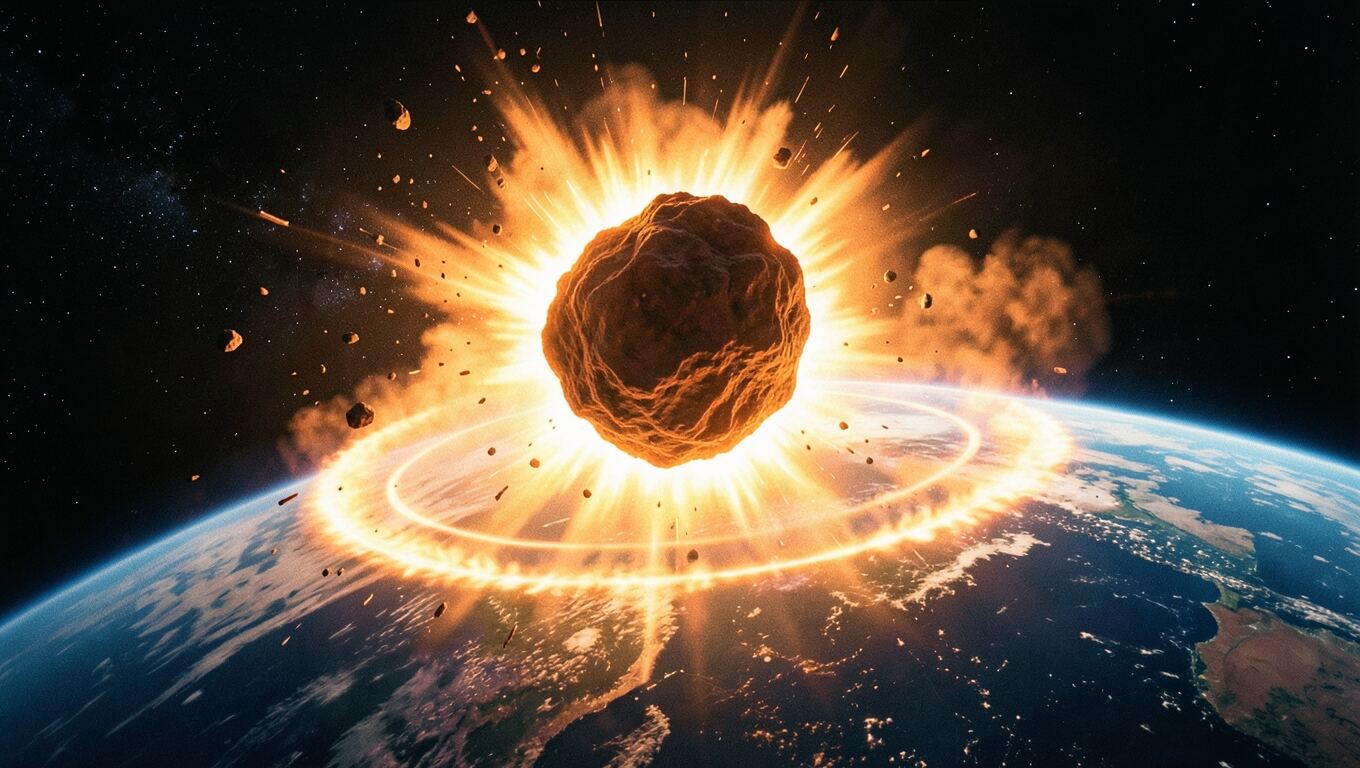
66,000,000 년 전
지름 약 10킬로미터의 소행성이
AI 이미지로 구성한 내레이션 슬라이드
슬라이드마다 하나의 아이디어를 담으세요. 에이전트가 함께 슬라이드를 계획하고, 각 슬라이드의 이미지를 만들고, 슬라이드별 내레이션을 작성하며, 설명에 맞춰 모든 슬라이드에 애니메이션을 적용합니다.
- 슬라이드마다 AI 이미지 또는 직접 촬영한 사진
- 음성에 맞춰 움직이는 제목, 캡션, 강조 표시
- 제작을 시작하기 전에 확인할 수 있는 슬라이드 구성과 내레이션
- 브라우저에서 실시간으로 미리 보고 MP4로 내보내기

요청만으로 무엇이든 변경하세요
편집할 타임라인은 없습니다. 원하는 변경 사항을 말하면 에이전트가 자신의 작업을 수정하고, 작업을 진행하면서 결과도 확인합니다.
- 프레임에 대해 질문하기
- 미리보기에서 원하는 순간을 캡처해 메시지와 함께 보내세요. “이 제목을 더 크게 만들어줘.”
- 스스로 실수를 찾아냅니다
- 에이전트가 작성하는 모든 버전은 텍스트가 잘렸거나 겹쳤거나 너무 빨리 지나가 읽을 수 없는지 확인하며, 발견한 문제는 에이전트가 수정합니다.
- 승인 없이는 비용이 발생하지 않습니다
- 보이스오버는 승인된 대본을 기다리고, 이미지는 선택을 기다립니다. 생성에 실패한 항목은 환불됩니다.
아이디어부터 업로드까지의 모든 과정
편집 앱도, 스톡 사진 사이트도, 별도의 음성 도구도 필요 없습니다.
스크립트
말로 전달하기 좋게 작성하며, 녹음하기 전에 먼저 보여드립니다.
9개 언어의 음성
자연스러운 음성이 수십 가지 있습니다. 에이전트가 잘 어울리는 몇 가지를 추천합니다.
자막
모든 단어에 맞춰 타이밍을 조정하며, 켜고 끌 수 있습니다.
음악 및 효과음
내레이션 아래에 배경음과 효과음을 믹스합니다.
AI 이미지
먼저 함께 계획합니다. 무엇을 몇 개 만들지, 그리기 전에 결정합니다.
내 파일
메시지에 사진을 첨부하거나 이미지, 오디오, 문서를 업로드하세요.
열 수 있는 파일
모든 대본, 보이스오버, 이미지는 대화에 보관됩니다.
편집할 시간은 없어도 아이디어가 있는 사람을 위해
카메라 앞에 나타날 필요도, 편집기를 열 필요도 없습니다.
얼굴을 드러내지 않는 YouTube 채널
역사, 과학, 돈, 실화 등 어떤 아이디어든 설명해 주는 내레이션 영상. 와이드 화면 또는 세로 화면으로 만나 보세요.
강좌 및 수업
수업이나 강연을 아이디어 하나와 이미지 하나씩 담은 내레이션 슬라이드로 바꿔 보세요.
Shorts, TikTok, Reels
주제가 화제일 때 세로형 설명 영상을 만드세요.
자주 묻는 질문
더 궁금한 점이 있으신가요?
[email protected]
AI Video Studio란 무엇인가요? +
비디오 편집 기술이 필요합니까? +
어떤 종류의 동영상을 만들 수 있나요? +
영상이 완성된 후에도 변경할 수 있나요? +
승인하기 전에 무언가가 차감되나요? +
비디오를 상업적으로 사용할 수 있나요? +
어떤 언어를 지원하나요? +
어떤 브라우저가 필요한가요? +