
How to Make a History Video With Animated Maps and Timelines
Make a narrated history or geography video where countries fill in on the map as they are named, dates appear on a timeline, and AI pictures set the scene. With request templates and a fact-checking routine.
History is three questions at once: where did it happen, when, and who was involved. A history video that answers them well puts each one on screen at the moment it is spoken: the region lights up on the map as it is named, the date appears on a timeline, the person’s name sits under their portrait. Done by hand, that is hours of keyframing in an editor. Described in a chat, it is a few minutes of answering questions.
This guide covers how to make a narrated history or geography video with animated maps, timelines and period pictures, and how to keep its facts straight.
The building blocks of a history video
| Tool | What it shows | Use it for |
|---|---|---|
| Animated map | The world or a region, with countries filling in one after another, labels, and pins on places. | Where events happened, routes, spread, comparisons of size. |
| Timeline | A line that draws itself, with dates and short labels appearing in order. | Sequences of events, reigns, before and after. |
| Comparison table | Rows and columns with ticks and crosses, one column highlighted at a time. | Two empires, two inventions, then and now. |
| Quote card | A quotation revealed word by word, with its author. | A line from a primary source or a famous speech. |
| Counters and charts | Numbers that count up, bars that grow. | Populations, costs, distances, heights. |
| AI pictures | Scenes that were never photographed: a harbour in 1700, a workshop, a battlefield at dawn. | Setting the scene behind the map and the text. |
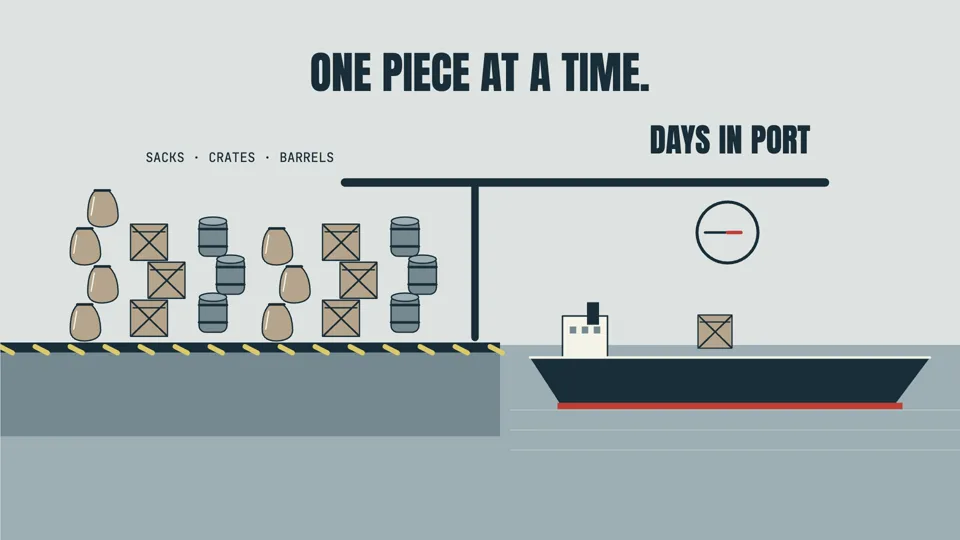
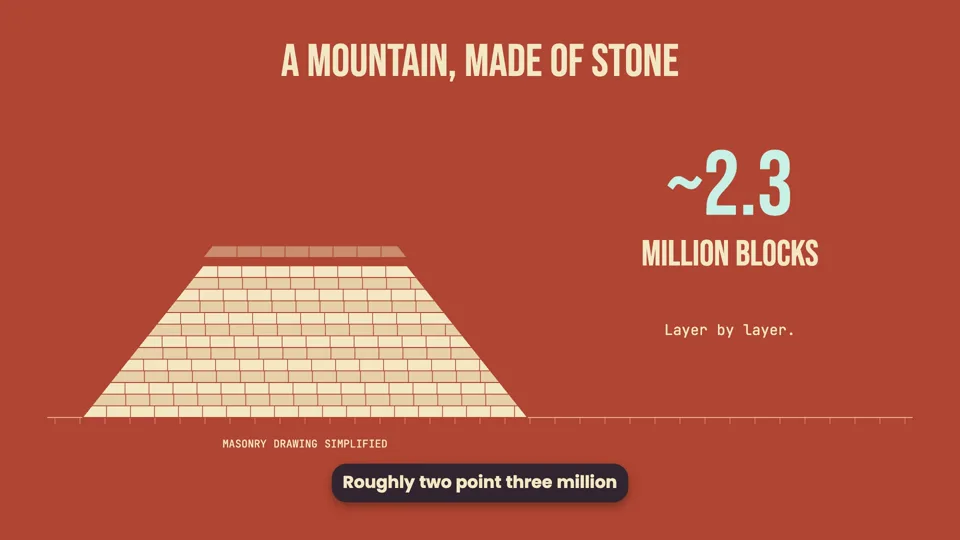
These videos use them. Open any to watch it play:
Step by step
- Pick an angle, not just a topic. “The Roman Empire” is a book. “Why Rome’s concrete still stands after 1,900 years” is a video. A good history video has one question, a turn, and an answer.
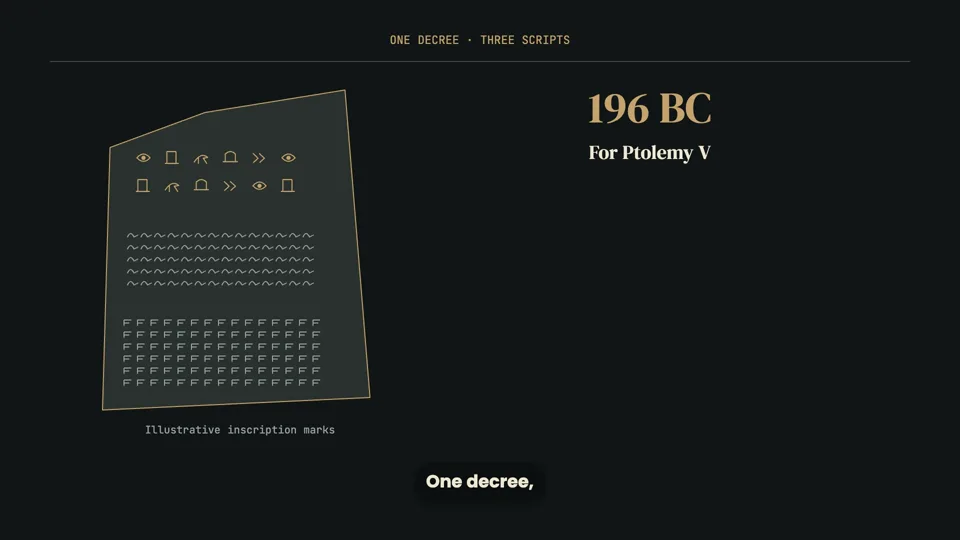
- Give it the material. Paste the passage you are working from, or include a link to a public article and the agent will read it before planning. For a long article, paste the section you care about: only the first part of a long page is read. Make a 75-second video about how the Rosetta Stone helped decipher hieroglyphs. Use this article: [link]. Show the three scripts, a map pin where it was found, and a timeline from 1799 to 1822.
- Answer the questions. Format, voice, look, pictures and an outline. For history, look at the pictures question closely: the agent proposes which scenes get an AI picture and what each shows, with how many and what they cost. Nothing is drawn until you agree.
- Check names and dates in the script. Every name, date and number is in the narration you approve. This is the moment to compare it with your source.
- Watch, then fix by asking. “Highlight Egypt before the narration names it, not after.” “Add 1822 to the timeline.” “The map should zoom into the Mediterranean.”
- Download the MP4. Export it from the preview, in Chrome or Edge.
Working with maps
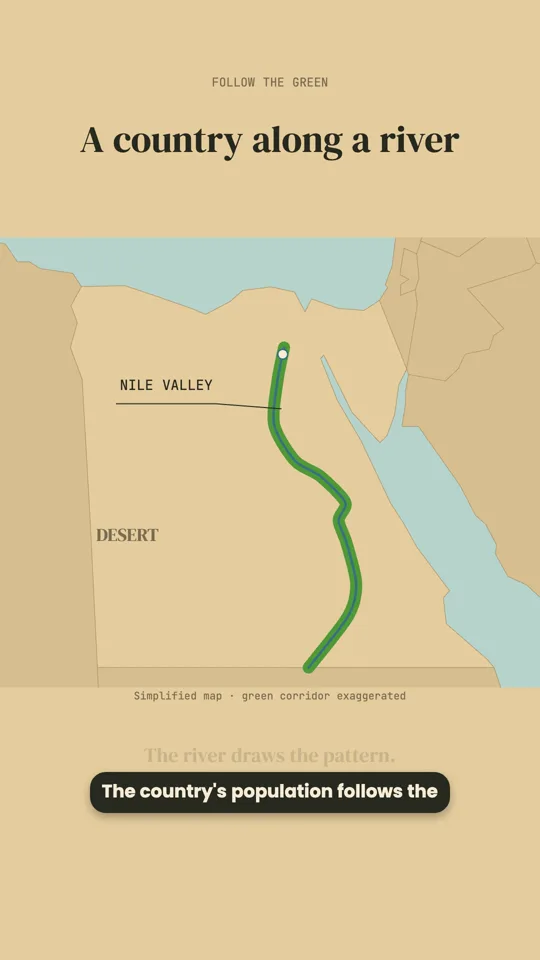
A map can show the whole world or zoom in on a region, such as Europe, East Asia, the Middle East, Africa, the Americas or Oceania. Countries can be filled in one after another as the narration reaches them, labelled in the video’s language, and places marked with pins.
One thing to know: the map uses today’s countries and borders. For an empire, a kingdom or a border that no longer exists, ask for the modern countries it covered to be highlighted, and have the narration say that the area is approximate. That is honest, and viewers recognise the modern map instantly.
Using AI pictures for the past
Photographs only go back so far. For everything before them, AI pictures can set the scene: a port, a market, a laboratory, a ship at sea. They work best as the world a scene is set in, with the map, the dates and the text placed on top, rather than as a slideshow of paintings.
- Describe the period and place in your request (“1840s Vienna, a hospital ward”) so the pictures match it.
- Keep text out of the pictures. Names and dates are set in the video itself, where they are exact and editable.
- Treat them as illustrations, not evidence. Say so if your audience might take them for real images.
Requests you can copy
Keeping the facts straight
History videos are judged on their facts, and a single wrong date in the comments undoes the rest. The agent is built to be careful here: it cannot search the web on its own, it rounds or qualifies figures it is unsure of rather than inventing precise ones, and it uses the numbers you give it exactly. That still leaves you as the editor:
- Work from one good source and give it to the agent, by pasting it or linking to it.
- Read every name, date and number in the narration before approving it.
- Where historians disagree, ask the narration to say so (“about”, “probably”, “according to”).
- If you correct a fact after the video is made, ask for that change; only the affected narration is re-recorded.
Ideas for a history or geography series
- “This day in history”: one short vertical video per date.
- Objects that changed the world: the container, the printing press, the clock.
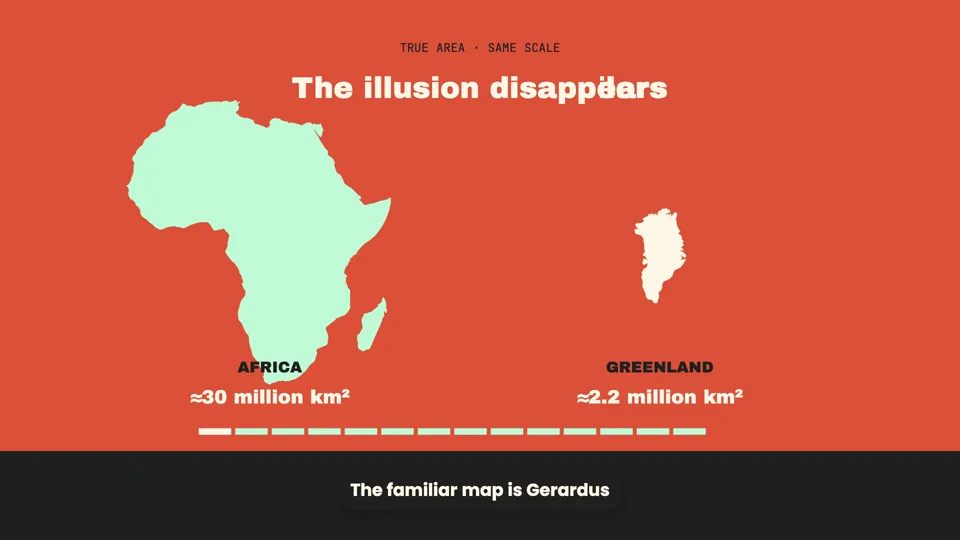
- Why the map looks the way it does: borders, projections, rivers, mountains.
- Myths debunked: one popular belief per video, then what the evidence says.
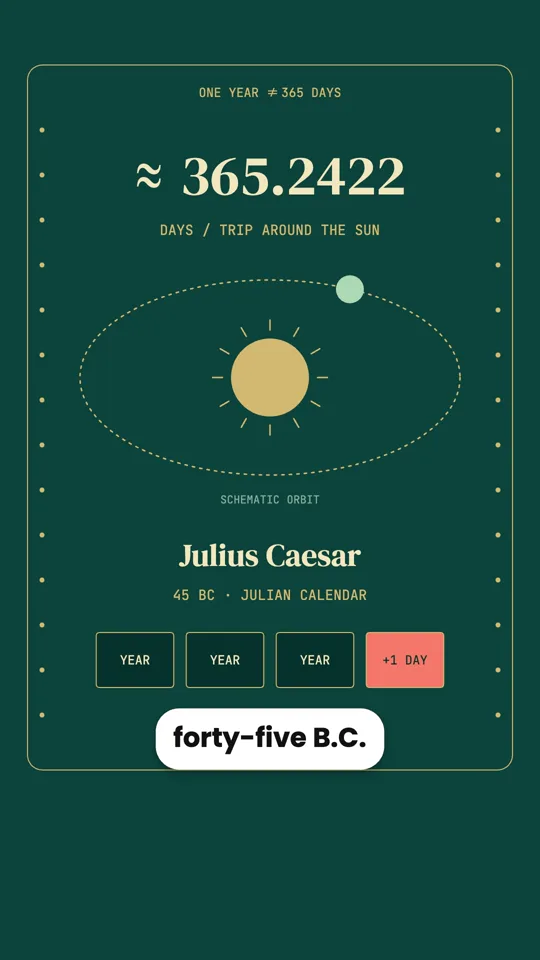
- Origins of everyday things: why an hour has 60 minutes, where “OK” came from.
Each video is its own conversation. To keep a series consistent, start each one with the same line describing the voice, the look and the length.