
How to Make an Animated Math Video With Formulas, Graphs and Proofs
Turn a formula, a proof or a probability puzzle into a narrated animation: formulas written as they are explained, graphs drawn from exact numbers, a structure that works, and requests you can copy.
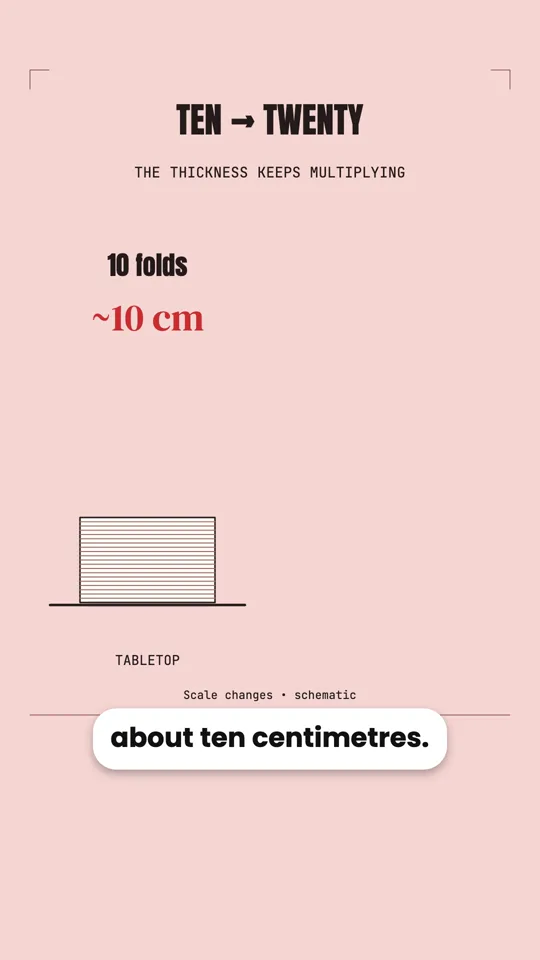
Mathematics is full of ideas that click the moment you see them move: a quantity doubling until it passes the Moon, a probability curve climbing as a room fills up, a proof where one assumption quietly collapses. On a whiteboard those are a series of still lines. In an animation, they happen in front of the viewer, at the pace of the explanation.
This guide shows how to make that kind of video without animation software: you describe the idea, check the steps and the script, and an AI agent builds the video with properly typeset formulas, graphs drawn from exact numbers, and a narration that lines up with every step.
What a math video can show
Every video below was made this way. They show the main tools a math explainer needs:
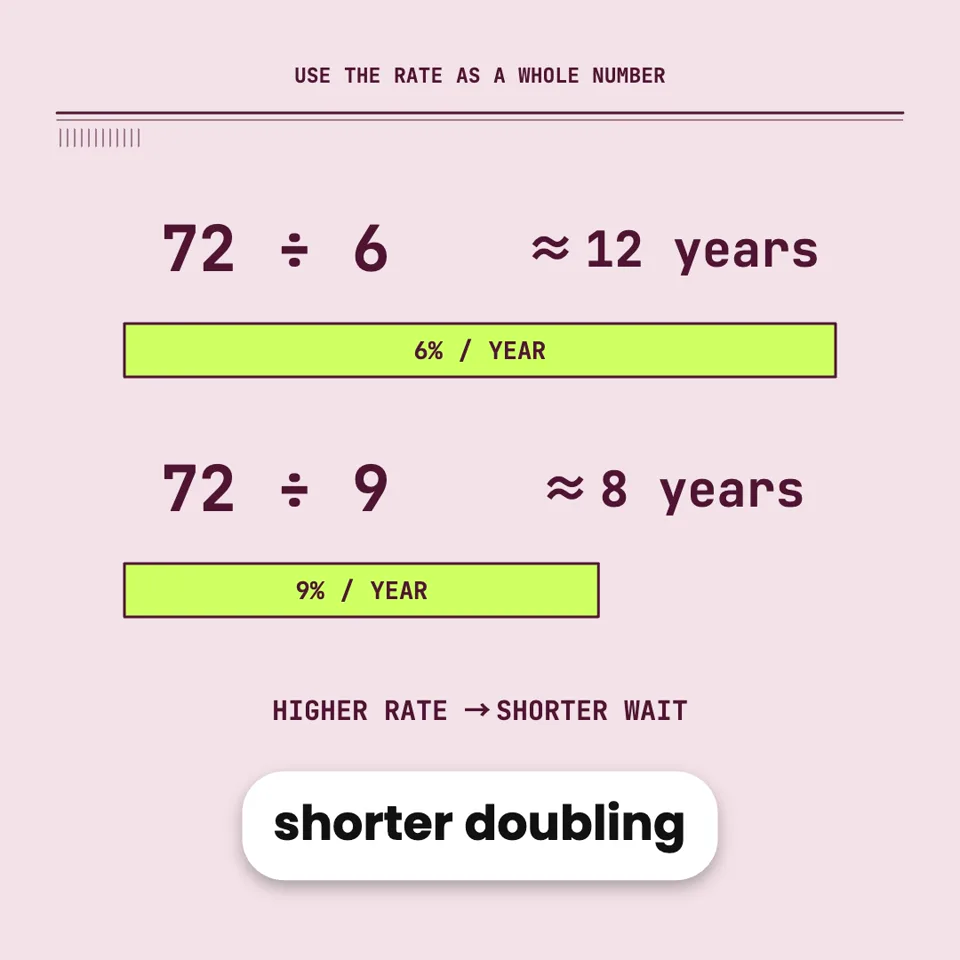
- Formulas, written as they are explained. Formulas are typeset as a mathematician would write them (fractions, roots, sums, integrals, matrices) and appear term by term. A term can be coloured or circled at the moment the narration mentions it.
- Graphs and charts from exact numbers. A curve that draws itself, bars that grow, a value that counts up to its final figure. The numbers are the ones you give, not an approximation of a picture.
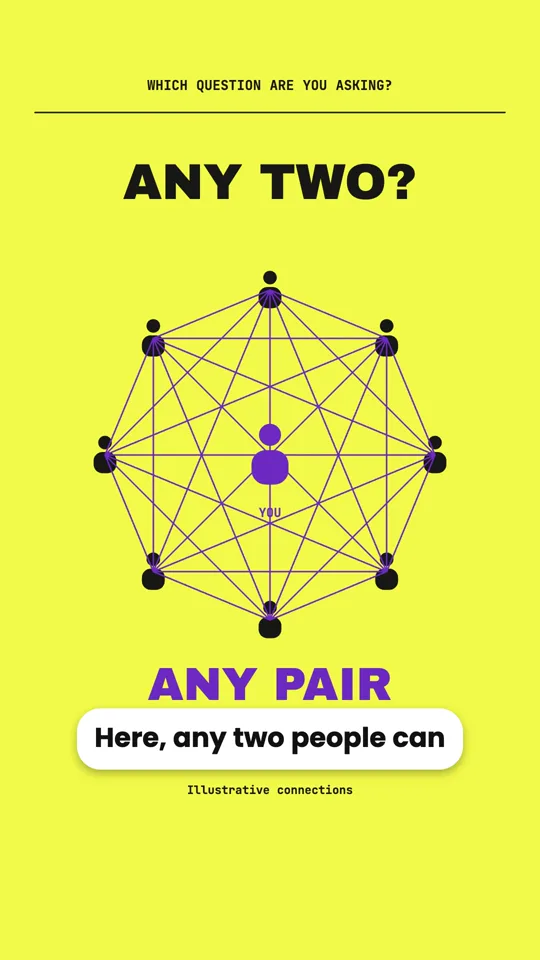
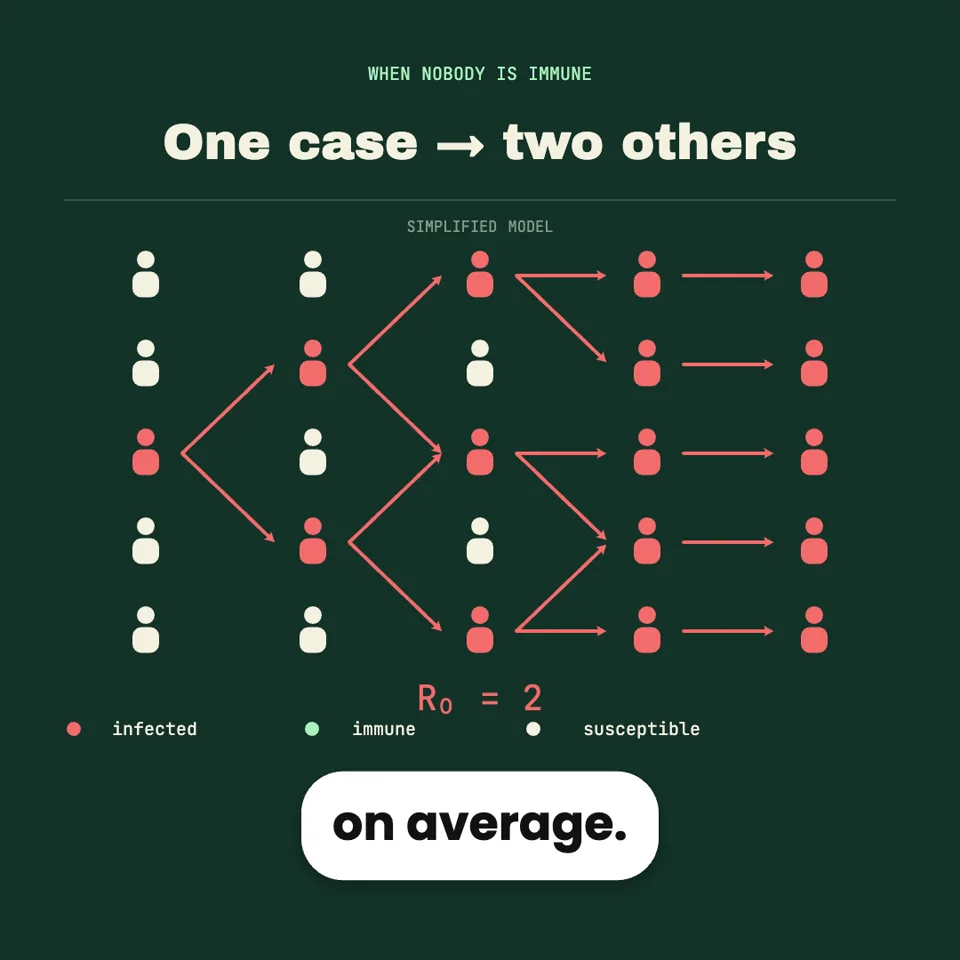
- Counting made visible. Pairs appearing between people, blocks stacking up, a grid of dots filling in. When a number is too big to imagine, the video can show it piling up.
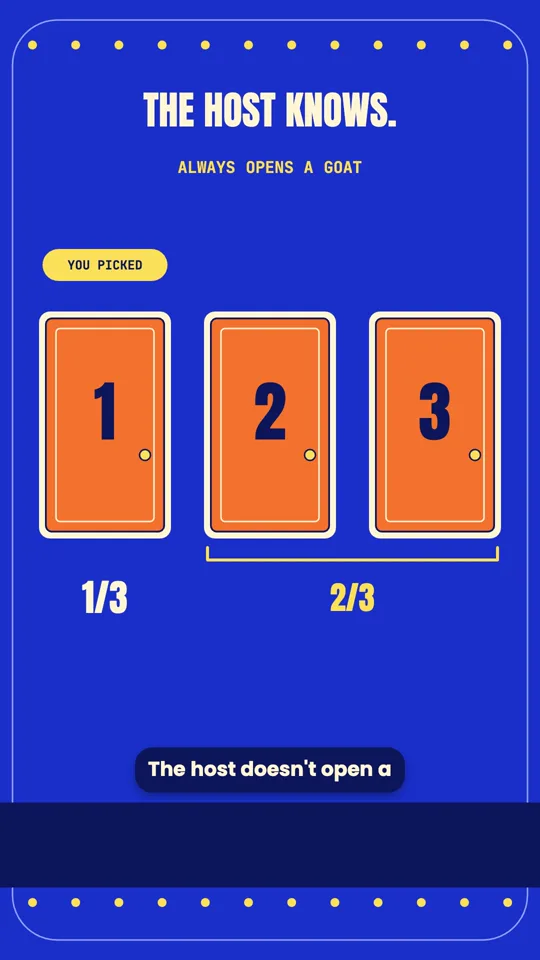
- Repeated experiments. Play a game ten, a hundred, a thousand times and watch the tally settle. This is how a counter-intuitive result like the Monty Hall problem stops feeling like a trick.
Step by step: from an idea to a math video
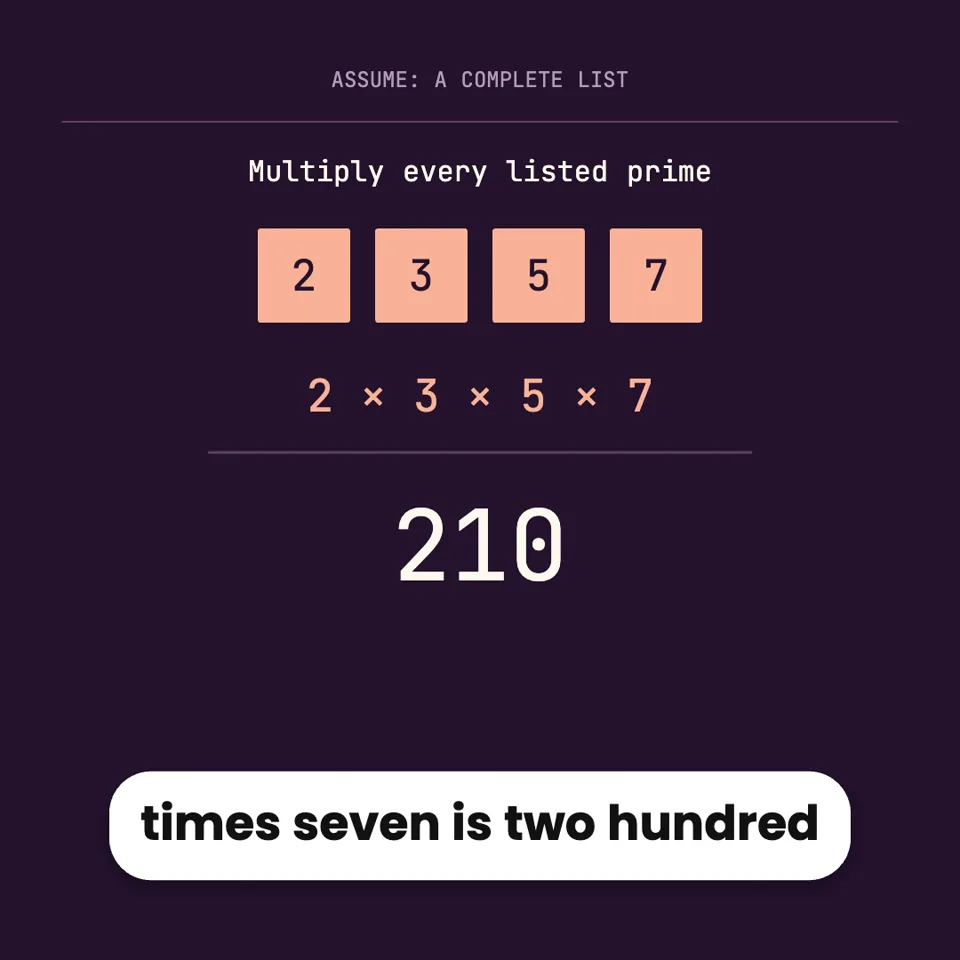
- Say the idea, the audience and the steps you want shown. A math video goes wrong when it skips the step the viewer was stuck on. If you know the steps, list them. If you have a worked example you like, give its numbers. Make a 60-second video proving that there are infinitely many primes, for high-school students. Use Euclid’s argument: assume a finite list, multiply them and add one. Show the example 2 × 3 × 5 + 1 = 31. End by saying what the proof does not claim: that the new number itself is always prime.
- Check the outline. The agent’s first reply is an outline and a few choices (format, voice, look, whether to use AI pictures). For math, read the outline as a sequence of steps: is anything missing, and is the order the one you would teach?
- Check the arithmetic in the script. The narration comes to you before anything is recorded. Read every number in it. This is where you catch a wrong total or a step that does not follow, and fixing it costs nothing.
- Watch the formulas land. In the preview, check that each formula or highlight appears when the narration reaches it. If one comes too early, say so: “Show the +1 only after the narration says add one.”
- Download the MP4. Export it from the preview, in Chrome or Edge.
How to structure a math explainer
The videos people finish tend to follow the same shape, whatever the topic:
| Part | What it does | Example: the birthday paradox |
|---|---|---|
| Hook | A surprising claim or question in the first seconds. | “23 people are enough for a better-than-even chance of a shared birthday.” |
| The intuition | Why most people guess wrong. | People compare themselves with others, not every pair with every pair. |
| The key step | The one idea that unlocks it, shown visually. | 23 people make 253 pairs, each a chance to match. |
| The result | The number or formula, with a graph or count. | The probability curve crossing 50% at 23 people. |
| The takeaway | What to remember, in one line. | Count the pairs, not the people. |
You do not have to write this structure yourself; the agent proposes one in the outline. Knowing it helps you spot what is missing: most weak math videos have no “intuition” step, so the result arrives without the viewer knowing why it is surprising.
Requests you can copy
Computer science works the same way
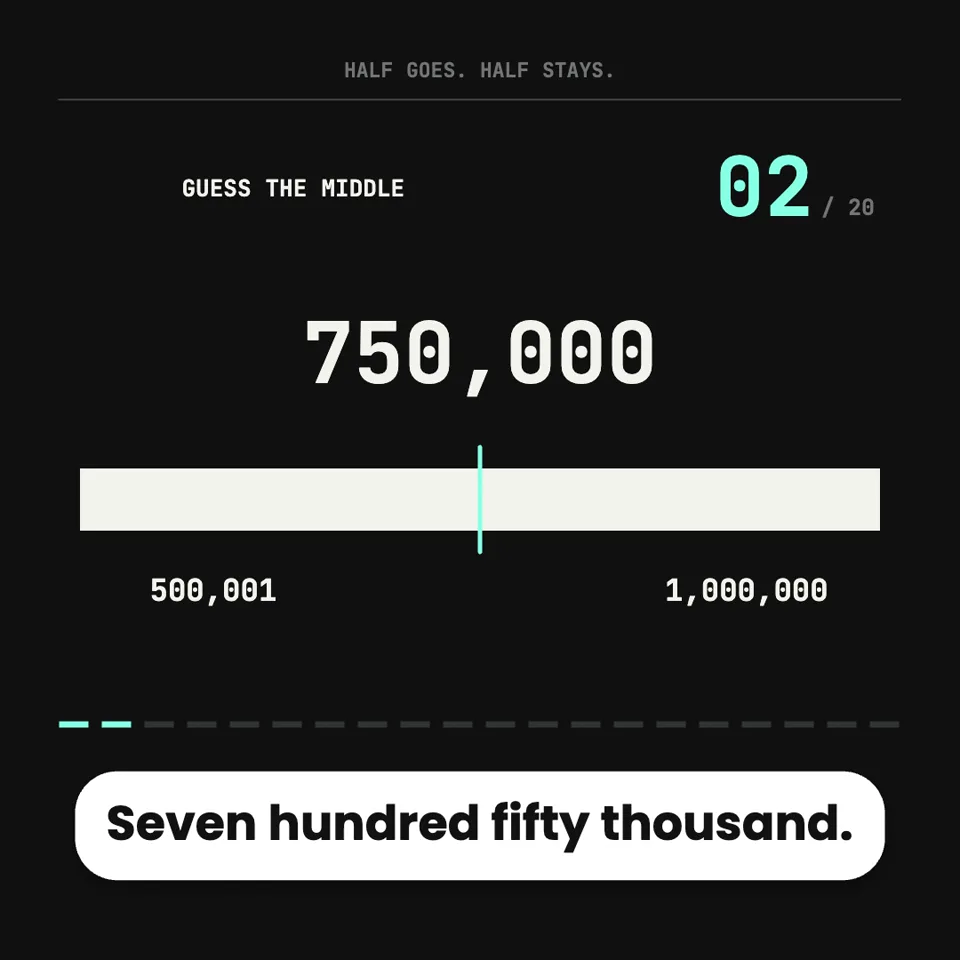
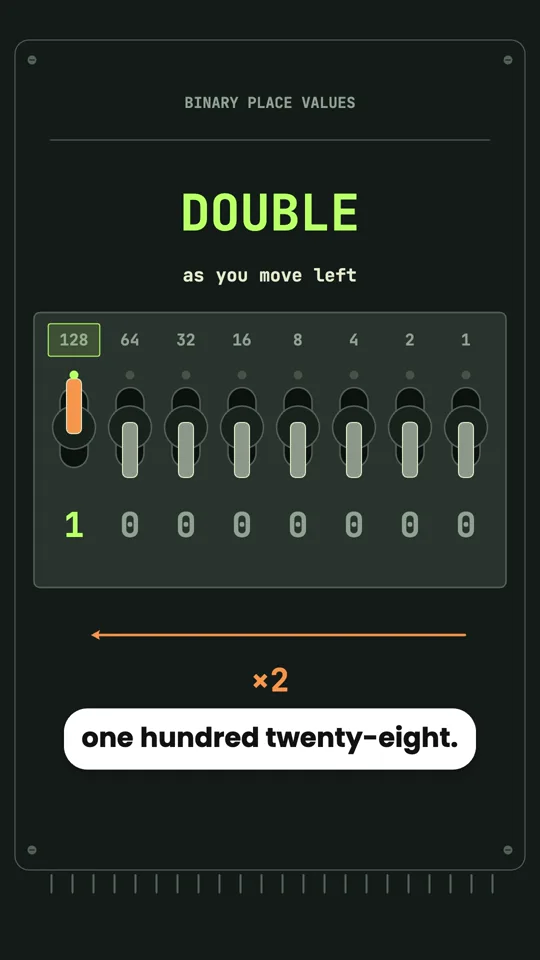
Algorithms are mathematics in motion, so the same approach fits them. Code can be shown on screen, highlighted line by line as the narration reaches it, next to a diagram of what that line does. A range can be halved again and again until one answer is left. A byte can be built from eight switches.

Common mistakes, and how to avoid them
- Too many steps for the length. A 60-second video holds about 140 spoken words. A proof with ten steps needs more time, or fewer steps. Ask for a longer video (up to three minutes) or split it into two.
- A formula with no picture. If a scene is only an equation being read aloud, ask for something to look at: a graph of it, a worked example, or the shape it describes.
- Skipping the “why it is surprising”. Ask for the wrong intuition to be shown first. A result means more when the viewer has just guessed differently.
- Approving the script without checking it. Every number in the video is in the narration you approve. Read it once with a calculator.
Questions
Can the words around the formula be in another language?
Yes. The formula itself uses standard mathematical notation, and the narration and on-screen text can be in any of the nine supported languages, including Chinese, Japanese and Korean.
Can I make a video from a problem in my textbook?
Yes. Paste the problem or attach a photo of it, and ask for a worked solution as a video. Check each line of the solution in the script before it is recorded.
Can I change one step afterwards?
Yes. Say which step and what should change. The agent edits that part and records only the narration that changed.