How to Make Faceless Science Shorts for TikTok, Reels and YouTube Shorts
Plan vertical science videos that hold viewers from the first second: topic patterns that work, a strong hook, pacing for 50 seconds, captions and covers, and turning one theme into a series.
Science is one of the best subjects for a faceless channel. The questions never go out of date (why onions make you cry, why the sea is salty, how deep the ocean goes), the answers are genuinely surprising, and nobody needs to see your face to enjoy them. What makes it hard is the production: every 50-second short needs a script, a voice, visuals that explain rather than decorate, and captions.
This guide covers how to plan vertical science shorts that people watch to the end, and how to make each one by describing it to an AI agent, which writes the script with you, records the voice and animates the explanation.
What makes a science short work
Viewers decide in the first one to three seconds whether to keep watching. The agent is built around that: every video it plans opens with a hook, and the outline you approve names it. Your job is to judge whether the hook is strong enough. The shorts that hold people share four traits:
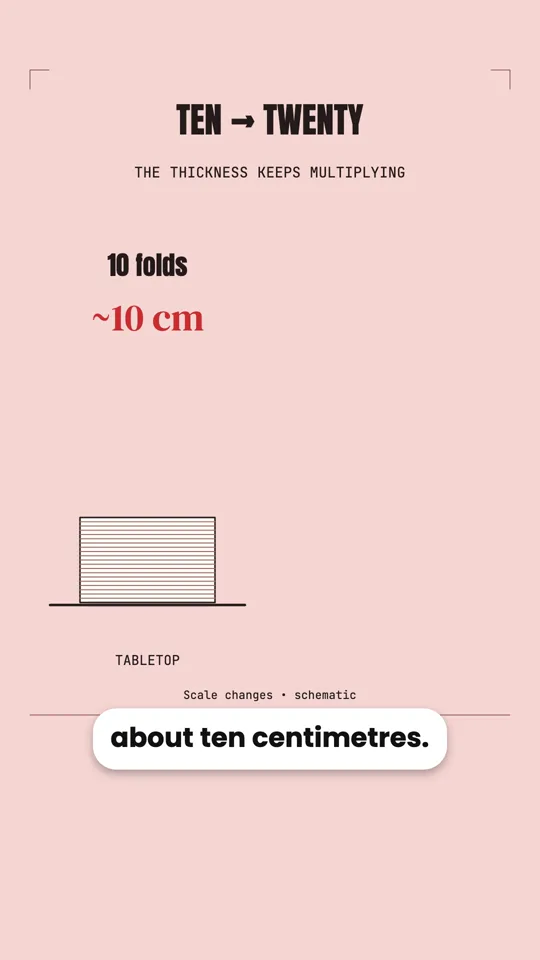
- A hook that is a claim, a question or a picture. “An octopus has three hearts.” “Fold a paper 42 times and it reaches the Moon.” Never a title card or a “hi everyone”.
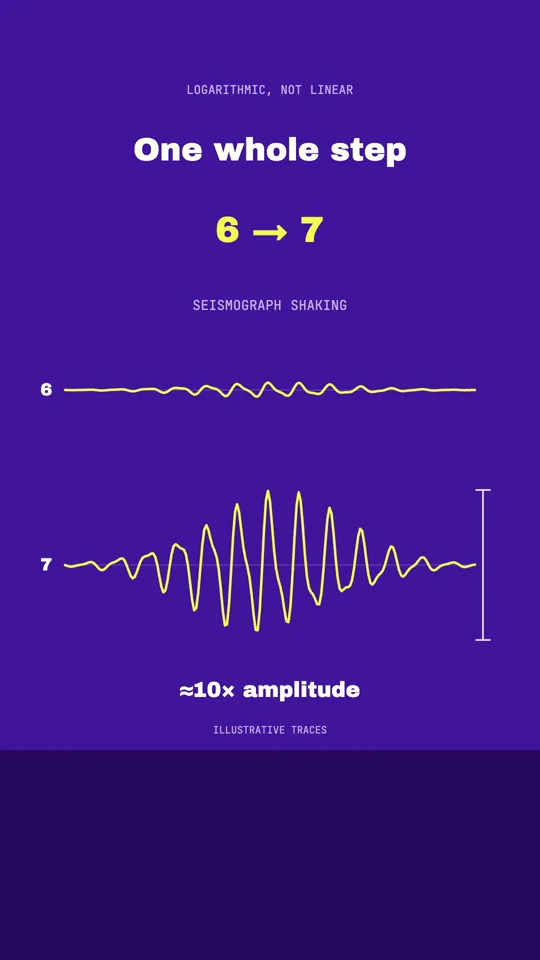
- Something new every few seconds. A new diagram, a number counting up, a zoom into a detail. A scene that sits still while the voice talks is where people swipe away.
- A turn in the middle. “But that is not the strangest part.” Each part should lead into the next with a question the viewer wants answered.
- An ending soon after the payoff. Once the question is answered, finish. A long wrap-up costs you the viewers who would have watched to the end.
Finding topics that work
The best short-form science topics fit one of a few patterns. Use them to fill a list of ideas before you make anything:
| Pattern | Examples |
|---|---|
| “Why does…” about something everyone has noticed | Why onions make you cry. Why metal feels colder than wood. Why your recorded voice sounds wrong. |
| A number too big or small to imagine | Two metres of DNA in every cell. The deepest point of the ocean. The distance to the Moon in folds of paper. |
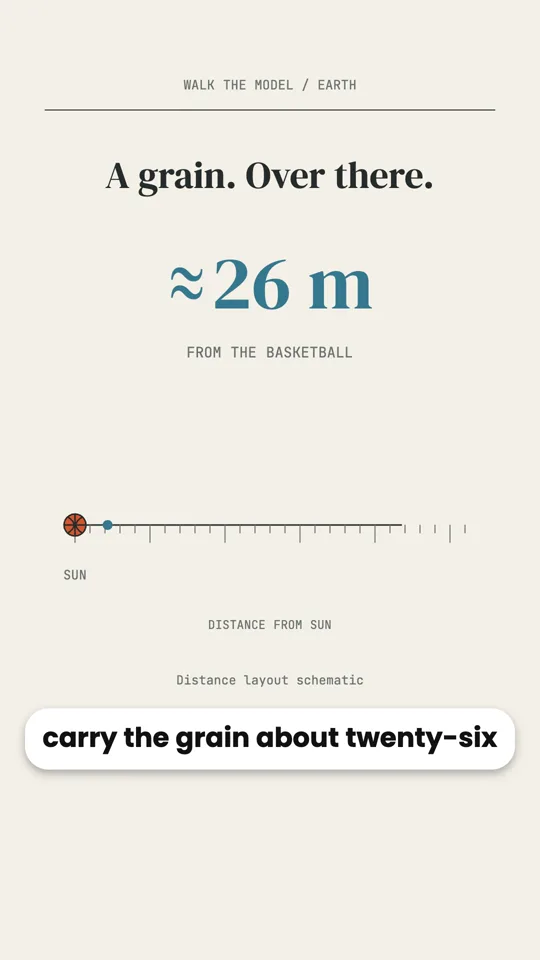
| A scale model | If the Sun were a basketball. If Earth’s history were one day. |
| A belief that is wrong | Seasons are not about distance from the Sun. Birds on power lines are safe for a reason that has nothing to do with their feet. |
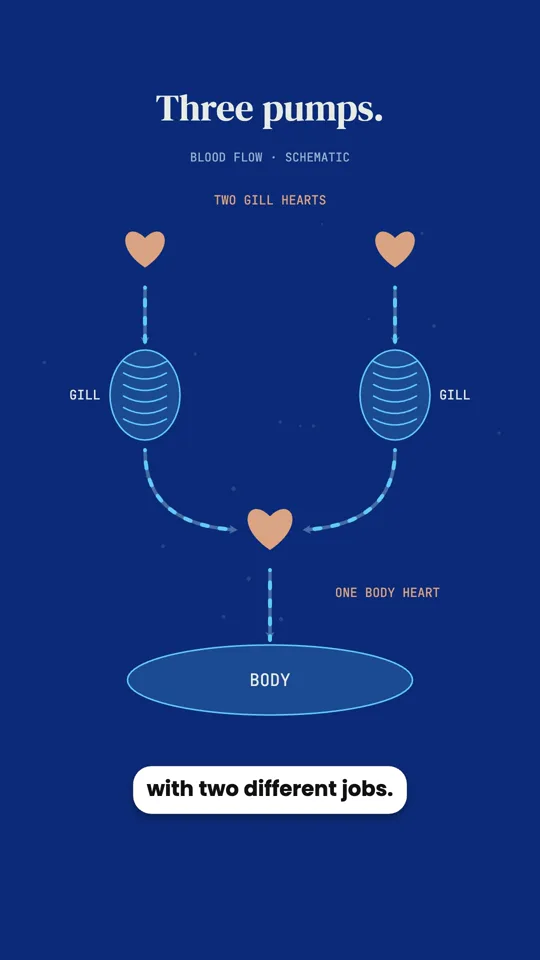
| A strange fact about an animal or the body | Three hearts and blue blood. Goosebumps left over from fur. A hole in your vision. |
Step by step: one short
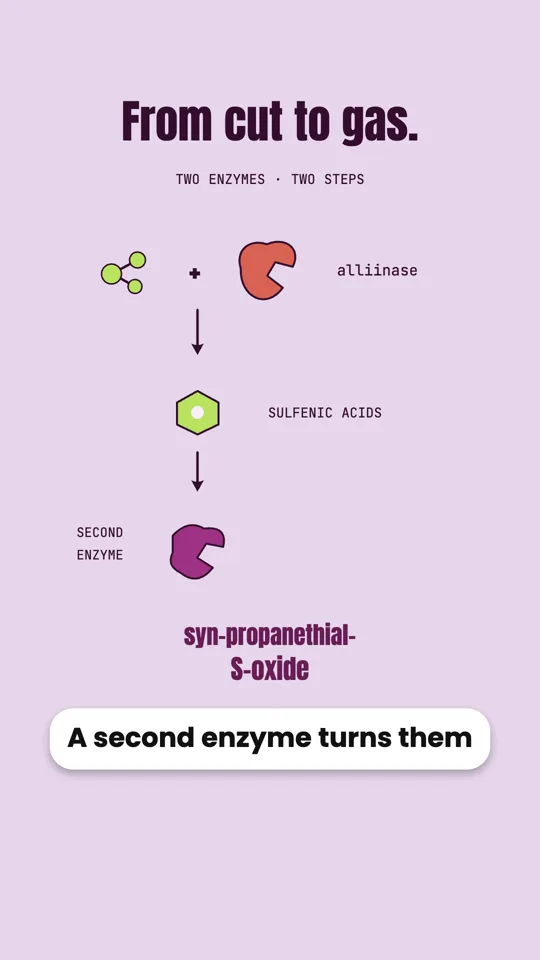
- Ask for the format and the hook up front. Say vertical, the length, and the fact you want to open on. If you do not have a hook in mind, ask the agent to propose three. A 50-second vertical short: why onions make you cry. Open on the knife cutting the onion and the gas rising. Explain the two-step reaction simply, then end on the two tricks that help: a cold onion and a sharp knife.
- Judge the hook in the outline. The first line of the outline is the hook. If it would not stop your own thumb, write a better one under “Other”.
- Pick the voice once, for the whole channel. The agent suggests a few voices that fit the topic and language. Choose one and use it on every short, so your channel sounds like one channel.
- Tighten the script. A 50-second short holds about 115 to 125 spoken words. Cut anything that does not lead to the payoff before you approve it.
- Watch it with the sound off. Many people watch with the sound muted. With the voice off, can you still follow it from the captions and the visuals? If not, ask for more on screen.
- Export and post. Download the MP4 from the preview, in Chrome or Edge. It is already 9:16, ready for TikTok, Reels and YouTube Shorts.
Captions, covers and the details that matter
- Captions. The video comes with captions that follow the voice word by word. If you would rather use the platform’s own captions, turn the subtitle switch off in the preview bar before you export, so they do not appear twice.
- Cover image. Pause the preview on the strongest frame and download it as a PNG, or ask the agent to make a cover picture with the title written on it.
- Sound. Sound effects come with the animation. If you want music under the voice, upload a track you have the rights to and ask for it to be added; it drops automatically while the voice speaks.
- Accuracy. Science comments are quick to spot an error. Every claim is in the script you approve, so check it there, and give the agent your source when the topic depends on exact figures.
Turning one topic into a series
Channels grow on series, not one-off videos. Pick a theme with at least twenty questions in it and make them one by one, each in its own conversation, all with the same voice and look. A few themes that hold up:
- Kitchen science: browning, onions, ice, salt, boiling.
- Your body: the heart, the blind spot, goosebumps, jet lag, your recorded voice.
- Earth: tides, earthquakes, volcanoes, why the sea is salty, moving continents.
- Space by scale: the Sun as a basketball, the Moon’s hidden face, why Venus is hotter than Mercury.
- Animals: the octopus, geese in a V, how a falling cat turns over.
Keep that first line in a note and paste it at the start of every new short. Changing only the topic is what keeps a series consistent.
Questions
Can I make the same short in another language?
Yes. Ask for a version in another language: the agent translates the narration and the on-screen text and shows you the new script before recording it. Download the first version beforehand, because the new one replaces it in that conversation.
Can I make a widescreen version for YouTube too?
The whole layout is built for one frame shape, so a widescreen version is a new video. Start a new conversation, paste the same script, and ask for 16:9.
Do I need to appear in the video or record my voice?
No. The voice is generated from the script you approve, and the visuals are animated. Nothing in it needs you on camera or at a microphone.