
How to Make Personal Finance and Economics Explainer Videos With Animated Charts
Explain saving, interest, budgets and economic ideas with charts drawn from your exact figures: which chart fits which idea, how to check the numbers, how to present estimates honestly, and requests you can copy.
Money is mostly numbers, and numbers are where most finance videos lose people. “Compound interest grows exponentially” is a sentence everyone has heard and few can picture. Show the same money as a curve that starts flat and then bends upwards, with the total counting up as the years pass, and the idea lands in seconds.
This guide shows how to make personal finance and economics explainers with animated charts by describing them to an AI agent: the charts are drawn from the exact figures you give, the narration is written with you, and every number is checked by you before anything is recorded.
Why finance works so well as an animated explainer
- Growth over time is a shape. A line chart drawing itself shows the difference between saving early and saving late better than any paragraph.
- Comparisons are a table. Renting against buying, two loans, two savings accounts: a table with one row highlighted at a time keeps the viewer on the point being made.
- Big numbers need to count. Watching a total climb from 1,000 to 4,300 is more memorable than reading it.
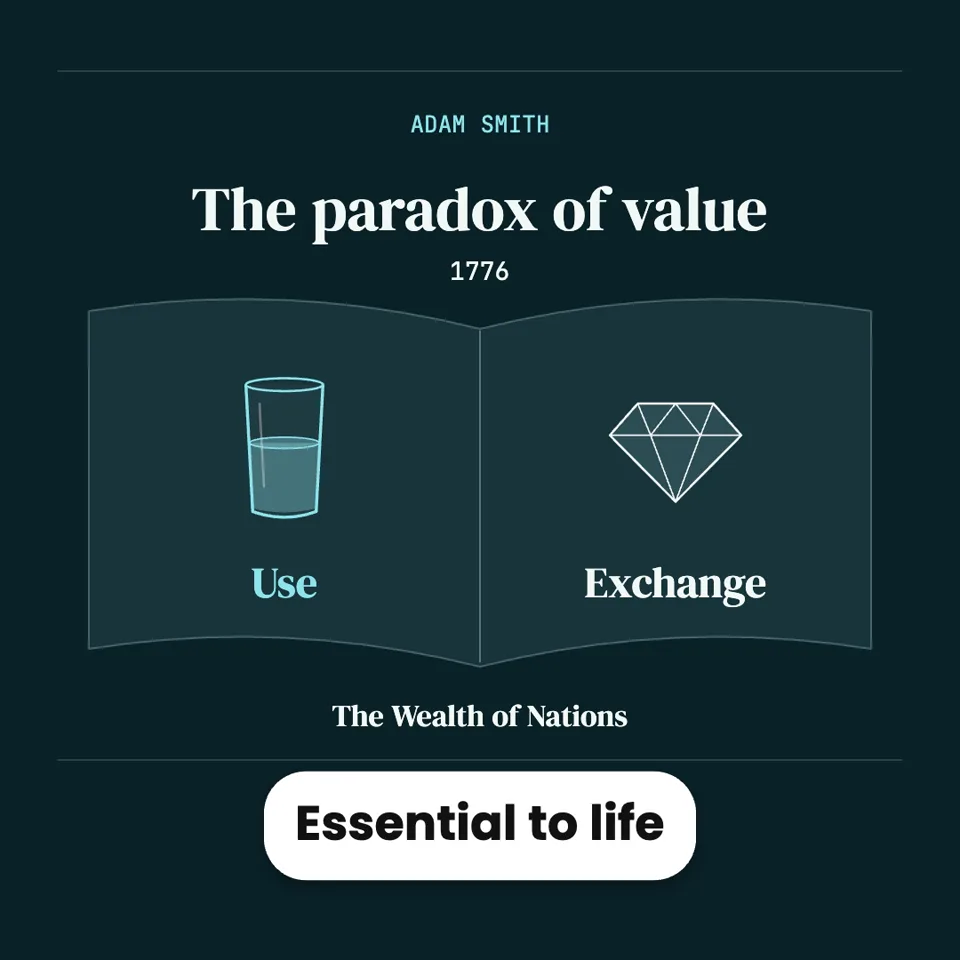
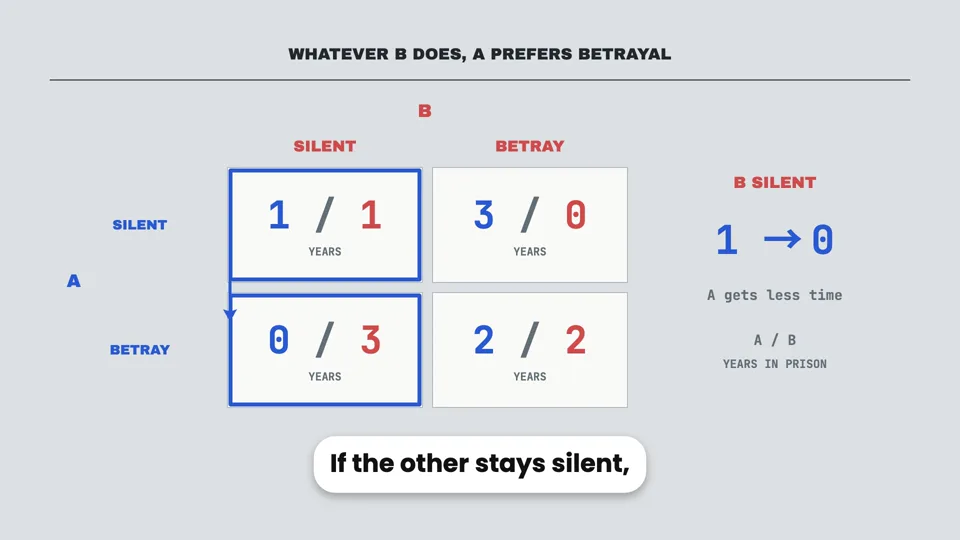
- Ideas from economics are paradoxes. Why diamonds cost more than water, or why two sensible people end up worse off, are puzzles with a satisfying answer, which is exactly what keeps people watching.
The charts you can use
| Chart | Best for | Example |
|---|---|---|
| Line chart | Anything over time | Savings growing over 30 years; inflation eating a fixed salary. |
| Bar chart | Comparing amounts | What you pay in total on a 15-year and a 30-year mortgage. |
| Pie or donut chart | Parts of a whole | A monthly budget split into needs, wants and savings. |
| Counter and stat card | One number that matters | The interest paid on a credit card balance in a year. |
| Comparison table | Several options, several features | Three kinds of savings account: rate, access, risk. |
| Two cards side by side | One choice, two sides | Renting against buying. |
You do not need to choose them. Describe what the video should show and the agent picks the chart that fits each part; if you have a preference, say so.
Step by step
- Write the request with your numbers in it. The amounts, rates and years you want shown, and the currency. The agent uses your figures exactly. If you have a spreadsheet, export it as a .csv file and upload it. A 60-second video on why starting to save at 25 beats starting at 35. Two people each save 200 a month at 6% a year until 65. Show both totals growing on one line chart, and end on the difference. Currency: euros. Vertical.
- Check the outline and the choices. The first reply proposes the parts of the video, the format, a few voices and looks, and whether to use AI pictures. Make sure every number you care about has its moment in the outline.
- Check every figure in the script. The narration is shown before it is recorded. Recalculate anything the agent worked out from your inputs, such as a final total or a difference. A wrong number is free to fix here.
- Watch the charts against the voice. Each chart should appear as the narration reaches it. If a line draws too fast, ask for it to draw while the sentence is spoken.
- Download the MP4. Export it from the preview, in Chrome or Edge.
Making finance content responsibly
Finance videos are trusted, shared and acted on, so a little care goes a long way:
- Say which numbers are examples. When figures are illustrative rather than real (an assumed 6% return, a sample budget), the agent labels them as examples. Keep that label in, and ask for one if it is missing.
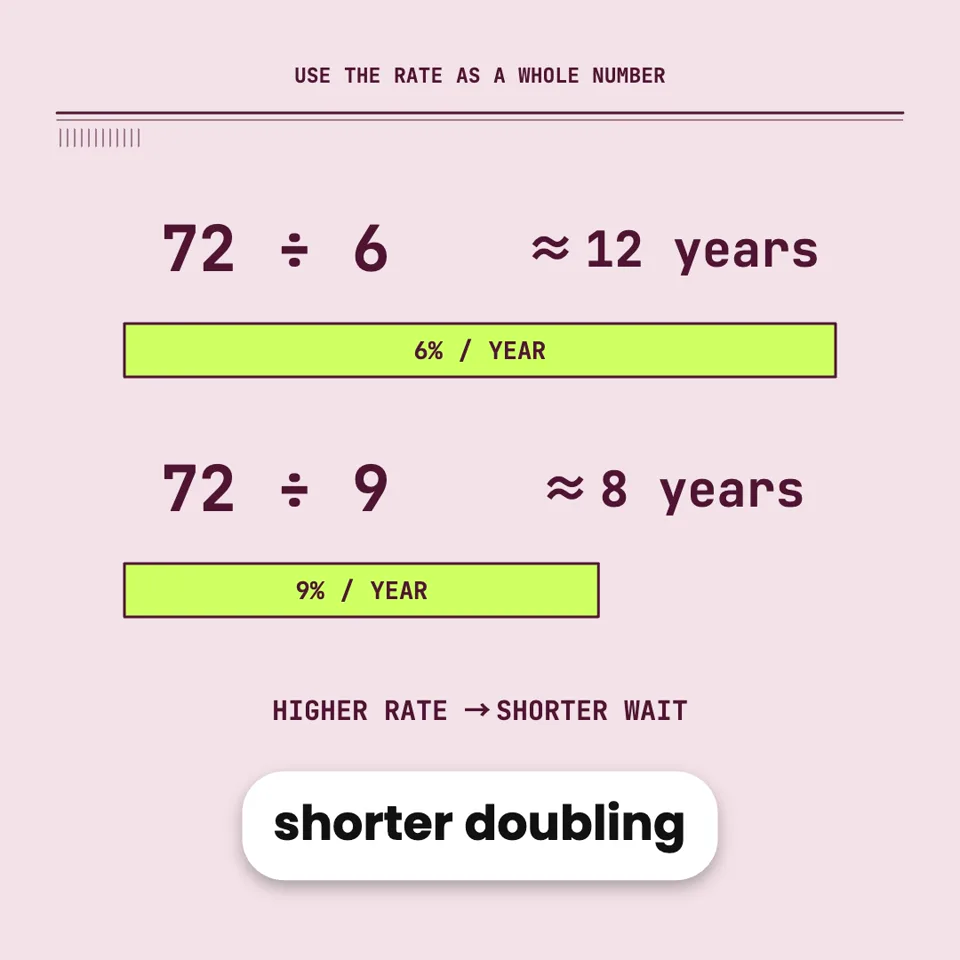
- Never present an estimate as a promise. Past returns, typical rates and rules of thumb are estimates. Ask for the narration to say so, the way the rule of 72 video does.
- Use real figures from a source you name. For inflation, average wages or interest rates, give the agent the figures and where they come from. It cannot look them up, and it will not invent precise ones.
- Add your own disclaimer if you need one. If your channel requires a “this is not financial advice” line, put the exact wording in your request and say where it goes.
Requests you can copy
Ideas for a finance or economics series
- Rules of thumb, explained: the rule of 72, the 4% rule, the 50/30/20 budget, each with when it fails.
- Paradoxes of economics: the value paradox, the prisoner’s dilemma, the tragedy of the commons.
- The cost of waiting: one video per decision where time changes the answer.
- Everyday economics: why prices end in .99, why concert tickets sell out, why airlines overbook.
- For a classroom: one short video per term in your economics syllabus.
Questions
Can I use numbers from my own spreadsheet?
Yes. Export the sheet as a .csv file and upload it, or paste the rows into your message. Say which columns the chart should use.
Which currency will it use?
Whichever you name in the request. If you do not name one, the agent picks one that fits the audience you describe, so it is better to say.
Can I change a figure after the video is made?
Yes. Give the new figure and the agent updates the chart and any narration that mentions it. Only the changed lines are re-recorded.